Code Blue
•
259 Hedcor Street
•
Holland, MI 49423 USA
•
800.205.7186
•
www.codeblue.com
GU-145-Epage 5 of 23
IA3100
Administrator Guide
4 Installation
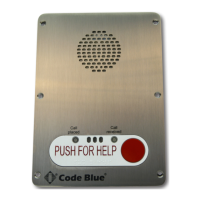
The IA3100 speakerphone comes with your choice of single button, dual button or dual button with
keypad faceplate. The internal components consist of a speaker, microphone, PCB and mounting
hardware.
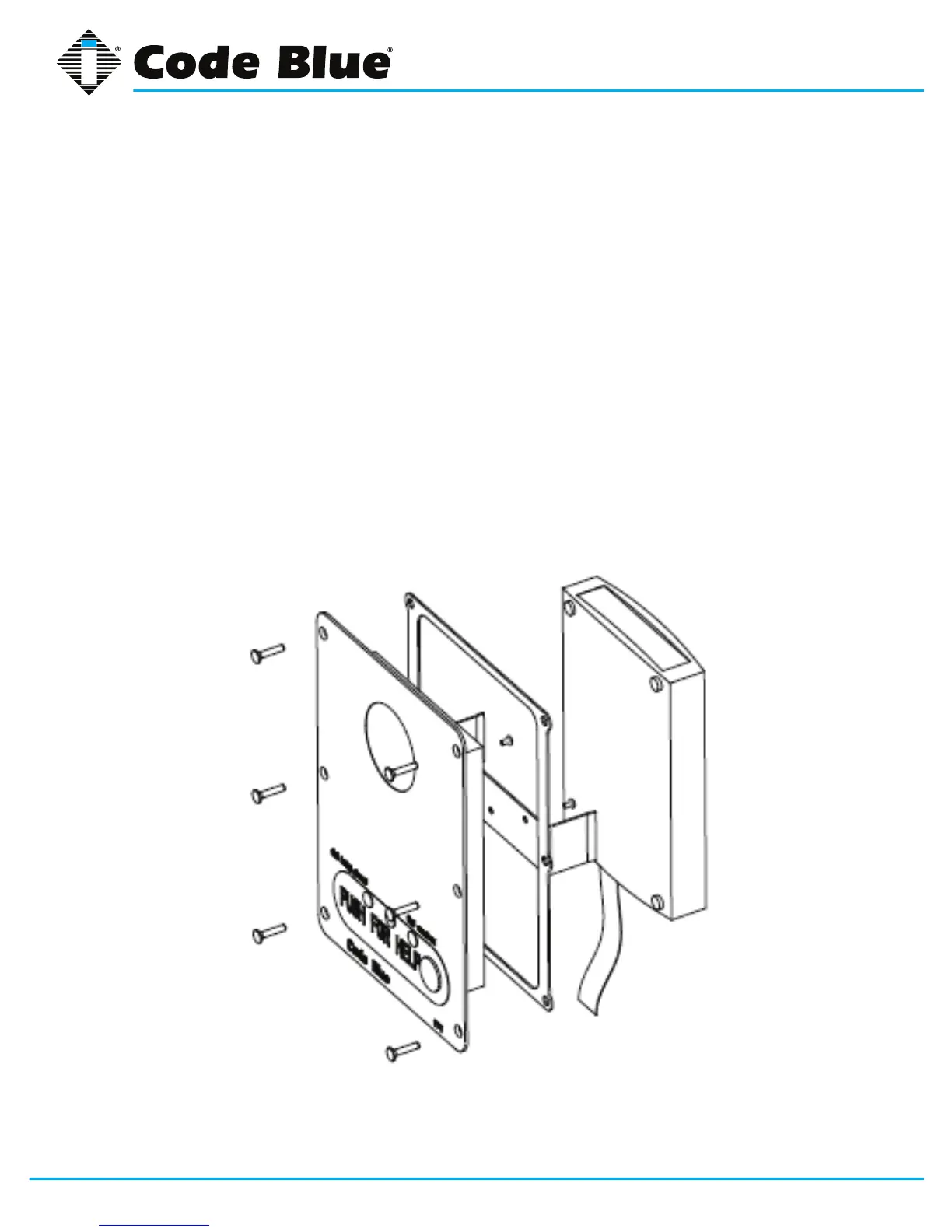
Attach the Electronics Clip
1. Align the two holes in the steel clip with the two threaded holes on the back of the faceplate.
2. Attach the clip to the faceplate using two #6 screws (supplied).
Connect the IA3100 to the Faceplate
1. Plug the gray 20-pin ribbon cable into the faceplate.
2. Clip the IA3100 to the faceplate, tucking the excess ribbon cable under the IA3100.
4 Installation
Attach the Electronics Clip
1. Align the two holes in the steel clip with the two threaded holes on the back of the
faceplate.
2. Attach the clip to the faceplate using two (2) #6 screws (supplied).
Connect the IA3100 to the Faceplate
1. Plug the gray 20-pin ribbon cable from the IA3100 into the faceplate.
2. Clip the IA3100 to the faceplate, tucking the excess ribbon cable under the
IA3100.
(Continued on next page)


 To Next Page