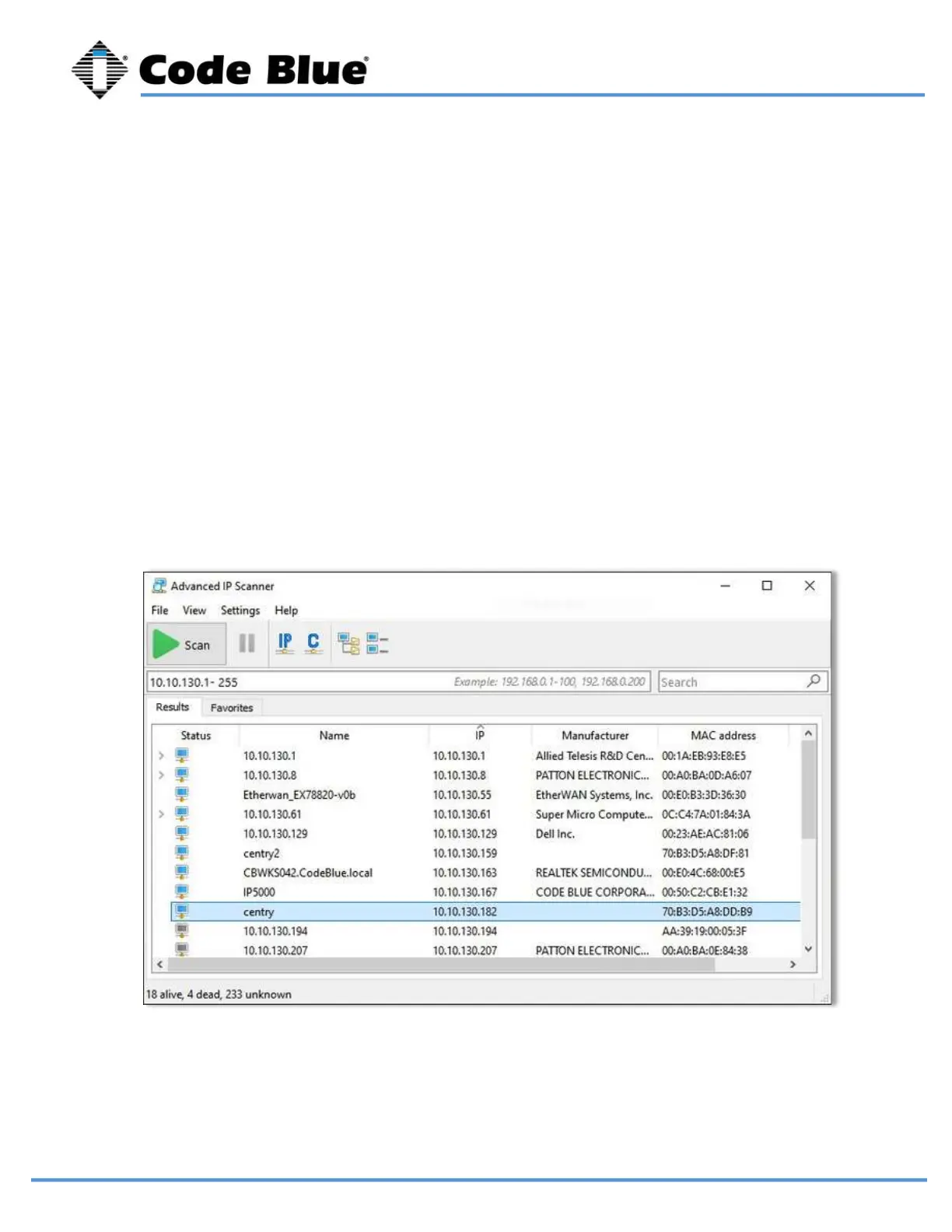
You can find the IP address for your LS1000 speakerphone by matching its MAC address. You
can then browse to the IP address of the device. The recommended web browsers are Google
Chrome and Mozilla Firefox. You may experience erratic behavior with other browsers.
LS1000 VoIP Speakerphone
Administrator Guide
page 18 of 54 GU-164-B
Code Blue
• 259 Hedcor Street • Holland, MI 49423 USA • 800.205.7186 • www.codeblue.com
Once you can browse into the device, you can switch to a static IP if desired.
Connect the LS1000 to your DHCP Network. The “Call Placed” red LED will flash while the
device is booting up. The LS1000 will acquire its network settings from the DHCP server on the
network. If the network is not running DHCP the device will default to the IP address of
192.168.0.249 after one minute.
If you do not have network scanner software, you can download many free ones. “Advanced IP
Scanner” is one example. Run a scan of the subnet the LS1000 device is plugged into, and your
PC if plugged into the same network.
Determine the IP Address
10 Setting Up Your LS1000



 To Next Page