Operations Check
You should familiarise yourself with the operation of the lock and check that all the parts work properly.
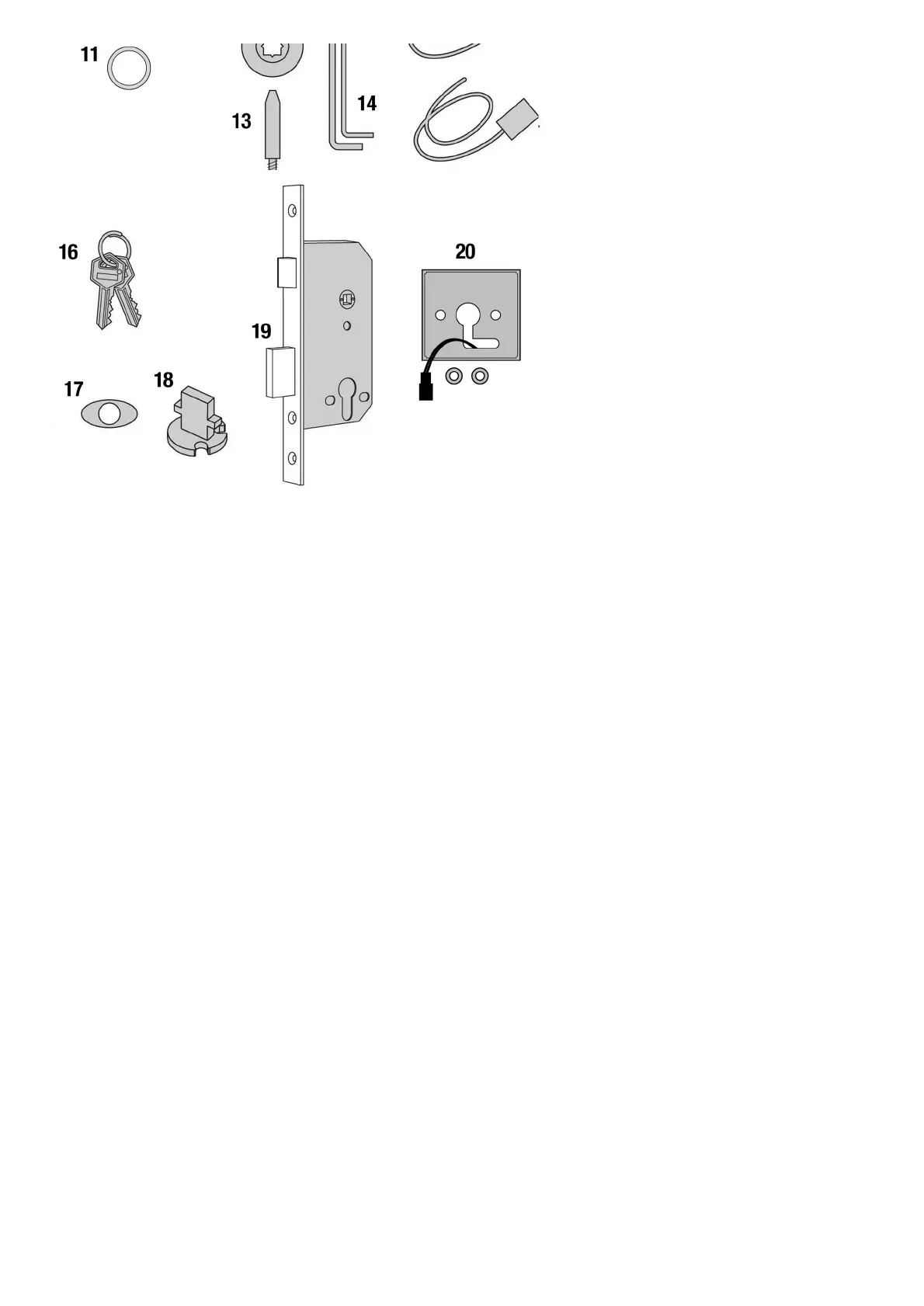
Remove the battery cover from the back plate and install the 4 x AA cells supplied.
Connect the cables from the front plate and back plate. A BEEP should be heard when you do this. If no BEEP is
heard then check that the batteries are correctly installed.
Place the long spindle in the front plate socket and using finger grip only, test that the spindle is easily moved 80°
in both directions. Leave socket in the centred position.
Enter the factory Master Code #12345678.
Thekeypad will flash blueand the spindle should not turn as before.
After 5 seconds thekeypadwillflash redand the spindle should turn easily again. This confirms that the clutch
engaged correctly when the code was entered.
Note:When the Master Code is entered 3 times consecutively without performing a programming function, a
penalty time of 10 seconds is activated.
Disconnect the cables.
Special Fixing Note
Remote Release Option



 To Next Page