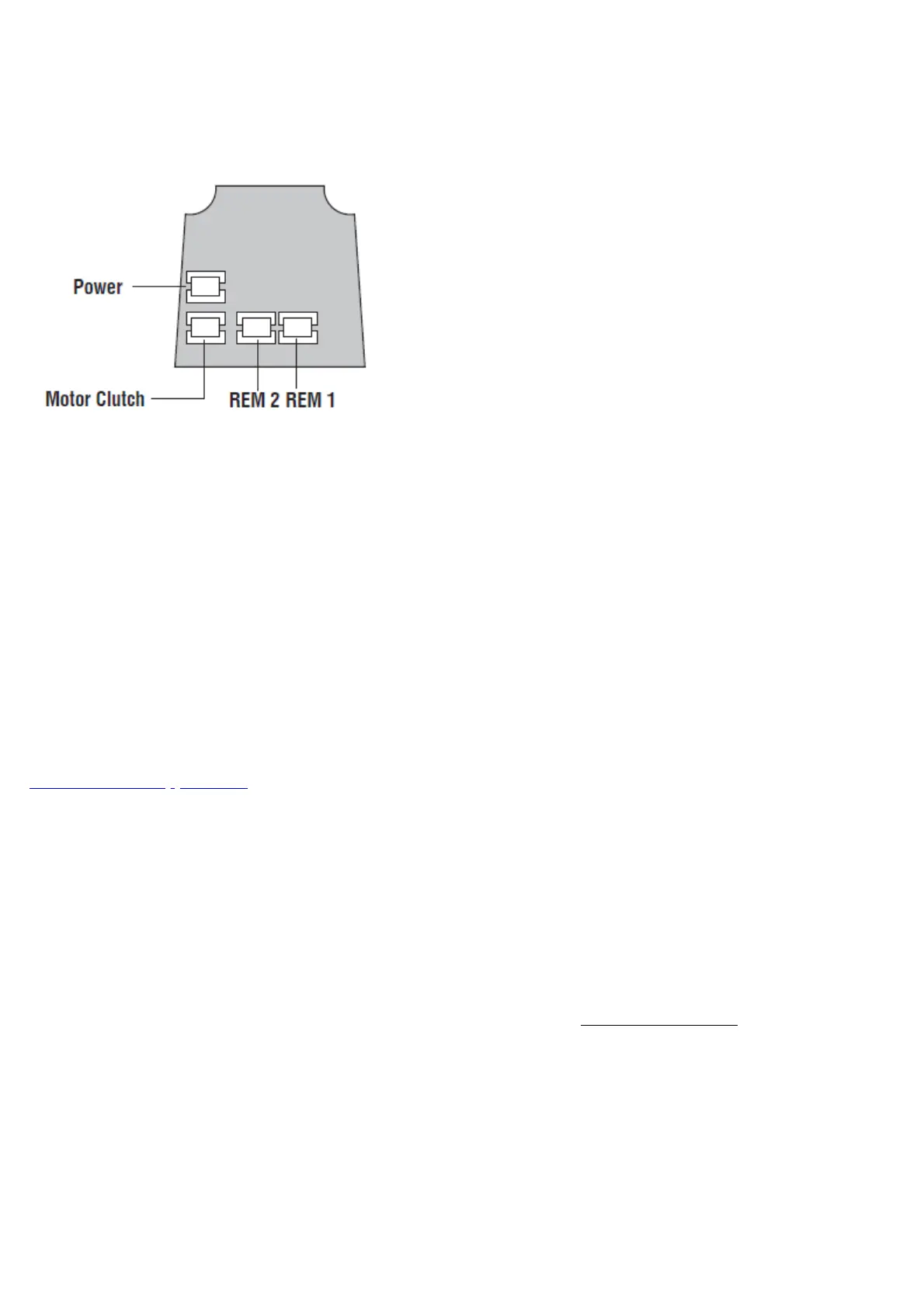
Cables are provided for theREM 1andREM 2terminals on the circuit board.
REM 1is for connection to a reception desk push button or a door intercom system. Pressing the button will
cause thekeypadto flash blue on the lock and release the lock for the pre-set time.
REM 2is for connection to the building alarm system to release a door in an emergency. This allows rooms,
wards, offices to be easily checked to ensure that no person is trapped or overlooked during an emergency
evacuation. When activatedREM 2will maintain the unlocked condition for 30 minutes, thekeypad willflash
redand BEEP during this time.
OTHER OPTIONS
Alternative functionality can be configured for the REM connections including support for connection to dry
contact door sensors. For further information, please refer to the online documentation at
www.codelockssupport.com.
REM 1 and REM 2 should only ever be used with un-powered switches or sensors. Connecting powered devices
to these connectors will damage your lock.
Fire Kit
A Fire Kit pack is available for the CL5510 locks. When fitted, they can be installed on 30 or 60 minute fire
doors.
Tested in accordance with BS3N1634-1:2008.
For more information about the Fire Kit packs please contact Codelockswww.codelocks.com
Functions
CL5510 Latch Function
Outside handle turns freely without operating the latchbolt. When the code is entered the keypad will flash blue
and the handle will retract the latchbolt. The latch automatically locks the door when closed. The key will open



 To Next Page