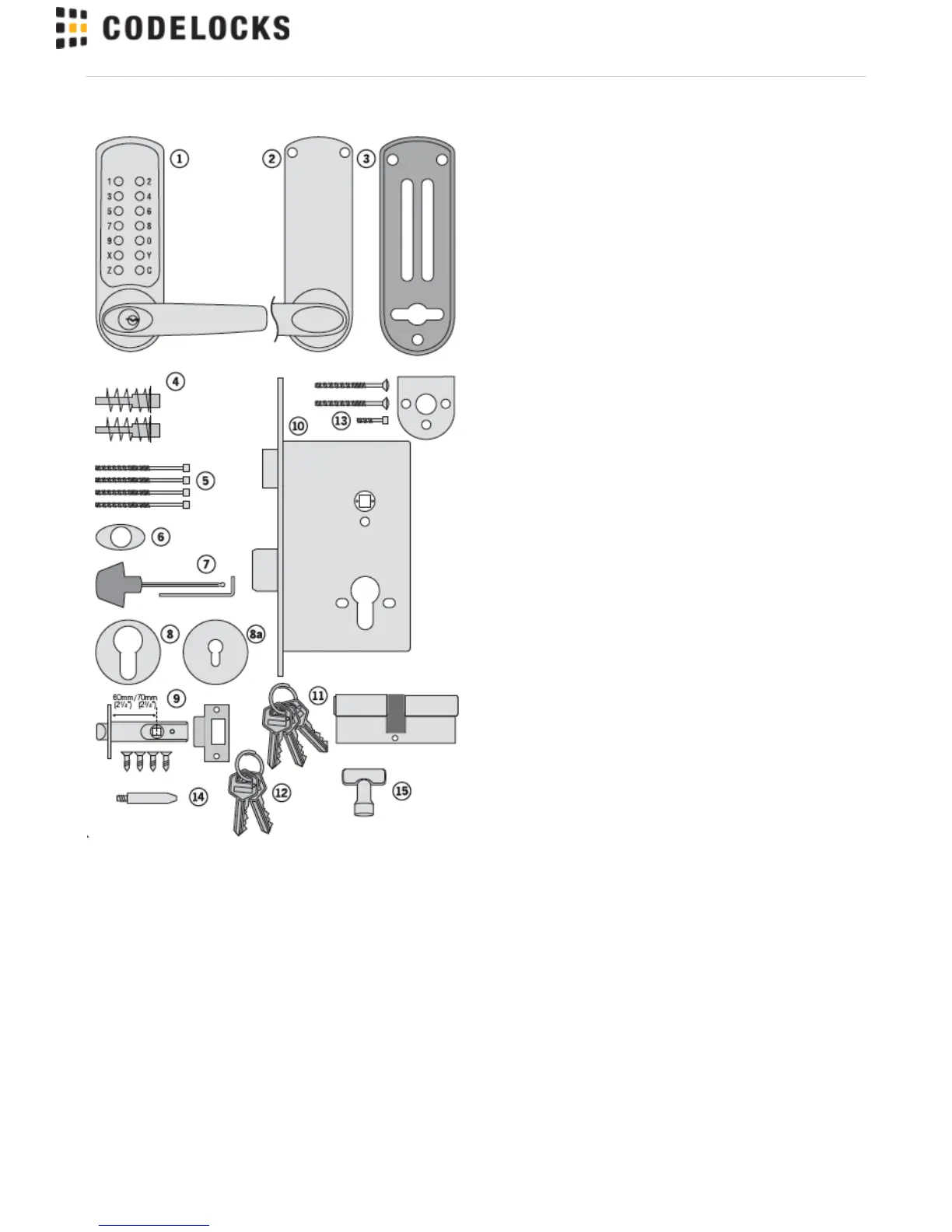
CHECK OPERATION OF THE CODED FRONT
PLATE
On models CL605, CL615 and CL625 a free passage function is
available. This is identified by a black dot on the bottom left hand ’Z’
button. In normal operation the code needs to be entered every time
to retract the latch. To put the lock into free passage mode, first
press the random factory set code, followed by the passage set
button. The lock will now be in code free access mode. To put the
lock to code access only press the passage set button once followed
by the C button.
See code change instructions on separate sheet.
The code may be entered in any sequence, ie 1370 may be entered
as 0731 or any other sequence of those numbers. There are a total
of 8,191 codes available on the CL600, CL610 and CL620 locks.
There are 4,095 codes available on the CL605, CL615 and CL625
locks.
.



 To Next Page