Pag.24
CH
ESC
CH-CNGAutoRUN
PROGRAM: 1
SCEN E:1
UNSALL Resume
Channel SELALL
REPEAT
FREEZ
SCUP
SCDW
N
000 000 000 000 000 000
PRJ :
DMX s / l
G-Crs
S-Crs
1.0
1.0
G-Std
S-Std
1.0
1.0
value
000 000 000 000 000 000
000 000 000 000 000 000
ChannelChangeActive!
Figure 60
CH
ESC
UTILITY SCENE..:1
PROGRAM:1
AutoRUN
CH-KEY
RUN
CLRPR JINSERT
DELETE SC-KEY
SCDWN
SCUP
000 000 000 000 000 000
PRJ :
DMX s / l
G-Crs
S-Crs S-Std
1.0
2.0 .1
G-Std
1.0
value
000 000 000 000 000 000
000 000 000 000 000 000
Figure 61
It can also be done while one or more programs are in execution. The selected projector will be in manual control and, if the
choosen projector was part of the running program, it will be temporarily isolated from the program itself and you will have it in
manual control.
If you press the projector push-button again, the projector will return to operate within the program. On the contrary if you
wish that the projector or the projectors will remain in manual control without them going back to operate within the programs,
you have to push P12 (FREEZ), freezing in this way their positions till you will select them again pressing their relevant push-
buttons. The led on the “frozen” projectors will flash in a different way.
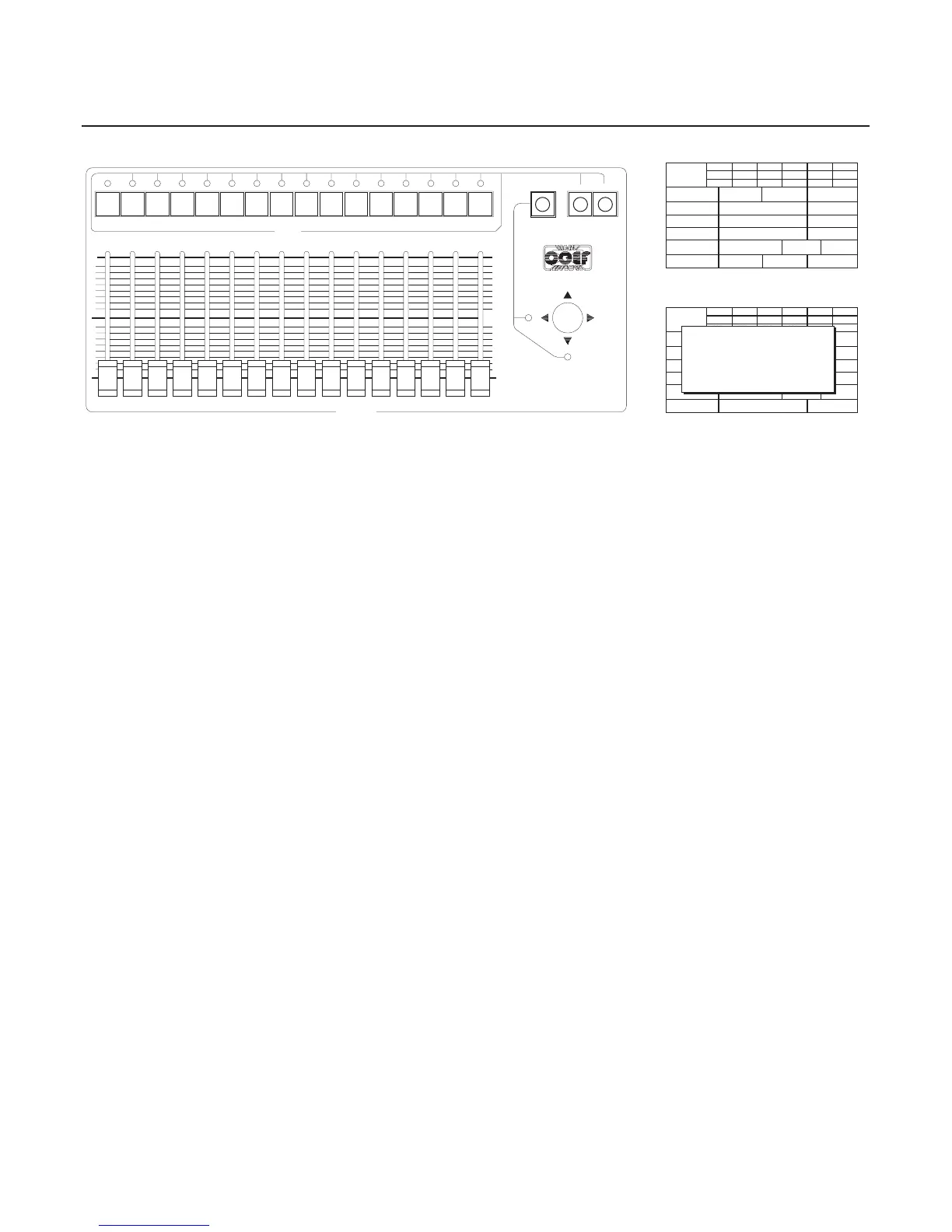
The FINE ADJUSTMENT push-buttons in the CHANNELS section (part. H-I-L Fig.62) are dedicated to fine adjustment
of the channels selected by means of sliders, joystick, channels push-buttons, or with the SELECT push-button (part. H Fig.
62) that gives a selection for channels 17 or 18 of the Joystick.
51234 106 7 8 9 111213141516
16151413121110987654321
255
0
0
255
17/X
18/Y
FINE ADJUSTMENT
SELECT DOWN UP
CHANNELS
TAB
HI
L
Figure 62
PROJECTORS MANUAL CONTROL
•
Rapid values modification during running
The mark CH-CNG (Channel Change) is another utility, setted by P4 (see Fig60-61): it allows to change, in a total and ra-
pid way, the value of a channel on the projectors you’re selecting and that are included in the program in execution.
You have the possibility to:
selectthemallbyP8(SELALL)
de-select them by P5 (UNSALL)
go them back to the program control by P6-P7 (Channel Resume).


 To Next Page