33.
11. Programming. Hardware test - SERVICE TOWER
Hardware test:
Controll of hardware.
1. Checking all electrical outlets: (No outgoing
voltage from the electronic-card in 3 seconds).
2. Control of water, in 3 seconds.
3. Control left outlet valve, in 3 seconds.
4. Control right outlet valve, in 3 seconds.
5. Control heating element, in 3 seconds.
6. Testing buzzer, in 3 seconds.
7. Testing temperature in tank, in 3 seconds.
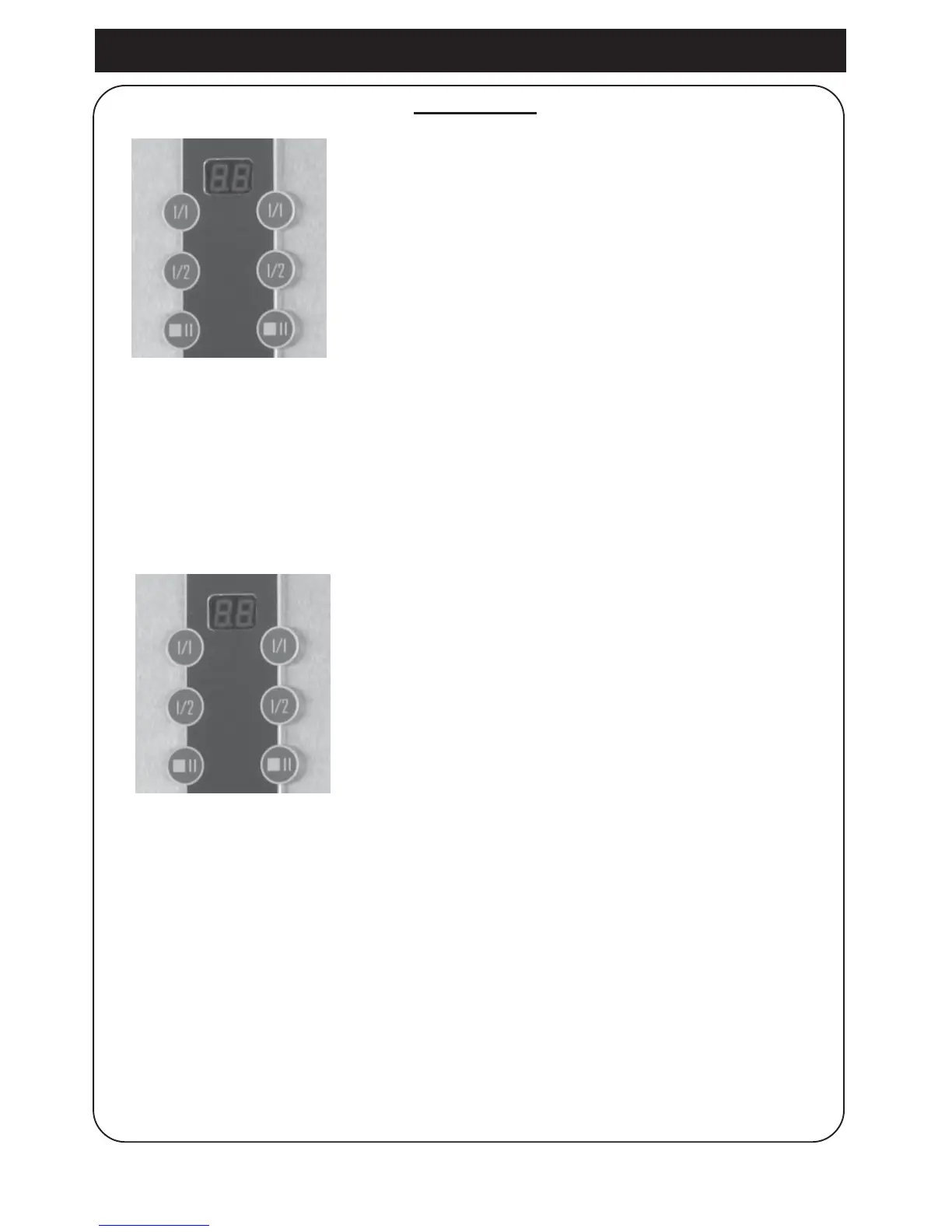
8. Control of membrane switch by pushing the
buttons 1, 2, 3, 4, 5, 6.
See fig.
9. Display shows:
Function of temp. sensor. = L1/L2.
10. To leave programming: Restart machine.
1. To do a hardware test, restart machine.
Machine must be in position OFF.
Push buttons 1, 3 left side at the same time
and start machine, position ON.
ON/OFF
ON
1 4
2 5
3 6
1 4
2 5
3 6





 To Next Page