14
Performing the Initial Setup of MobileID (for Administrators only) - Cogent Systems, Inc. Proprietary
•
•
•
•
•
•
15 Ensure that the Serial Port checkbox is selected.
16 Tap
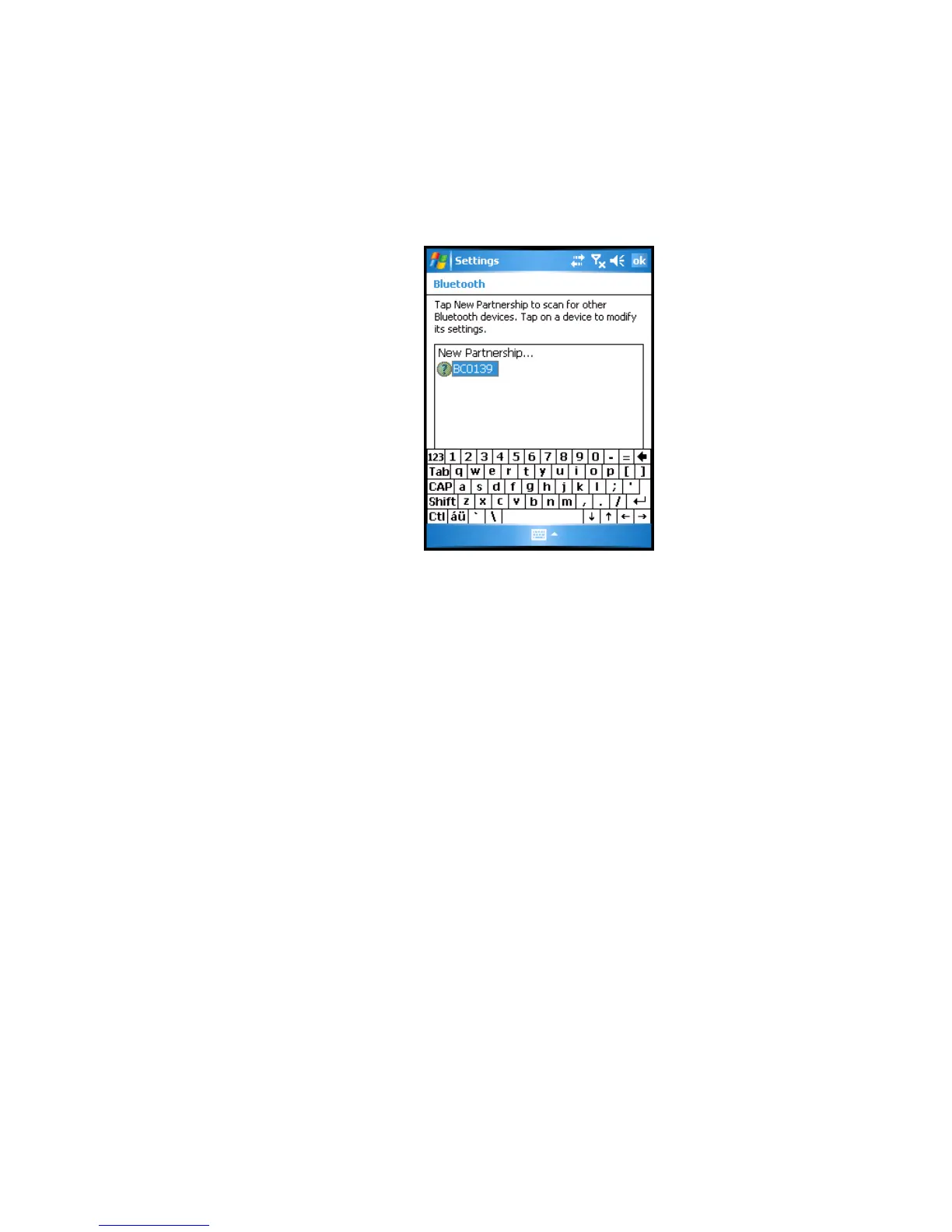
Finish. The (Bluetooth) Devices subwindow will be displayed, an
example of which is shown in
Figure 3-8.
Figure 3-8 (Bluetooth) Devices Subwindow
17 Tap the Keyboard icon, located on the bottom portion of the window.
The keyboard is no longer displayed.
18 Tap the
COM Ports tab. The (Bluetooth) COM Ports subwindow will be
displayed, an example of which is shown in
Figure 3-9.



 To Next Page