5. APP Connection & Light Control
Scan the QR code,or search “COLBOR STUDIO" in app store to download
the app for light control.
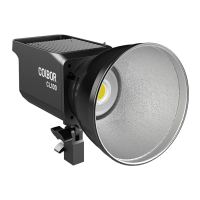
CL220R Pairing:
1. Press the
setting button
and enter the pairing mode. Short press the
setting
button
to choose “APP”, then long press the
setting button
for 3 seconds for
pairing.
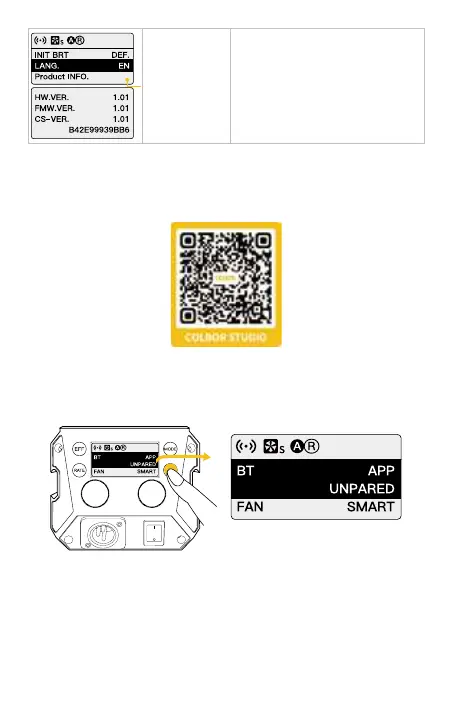
Short press the setting botton to
enter the production information
interface. Press the setting botton
again to go back to settings menu.
① Hardware Version ② Firmware
Version ③ Protocol Version
④ MAC Address
Product INFO.


 To Next Page