Detailed commands sequence:
1. Make sure the appliance is in standby mode (6.1).
2. Press button to call up an existing program.
DY1 reads “P1”.
3. Use buttons and to select the number of the available program.
4. Press button to start the blast chilling/blast freezing cycle.
10.0 HACCP ELECTRONIC RECORDER (optional)
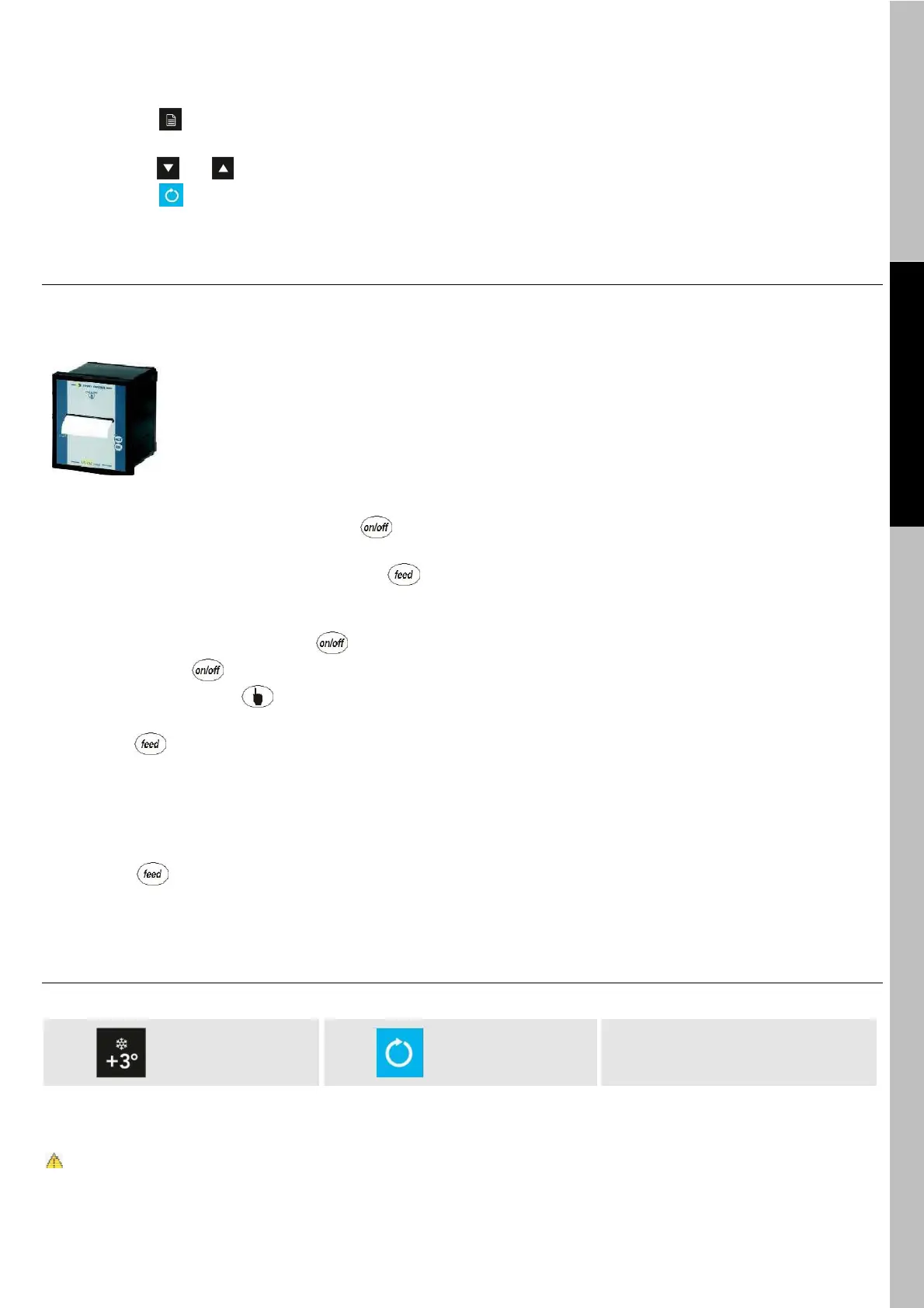
The electronic recorder is connected directly to the main control panel. It is used to record and produce a paper
printout of temperature and time data relating to the blast chilling and blast freezing cycles.
Maximum roll dimensions: carta termica 58×Ø30 mm.
Print width: 48 mm.
Number of dots per line: 384.
Print density: 8 punti per mm.
Serial communication: RS485.
Switching on/off
1. To switch the instrument on/off, press the button.
Manual paper feed
1. To feed the paper through manually, press the button.
Replacing paper
1. Switch the instrument off using the button.
The led button comes on.
2. Open the front using the button.
3. Insert the roll of paper under the roller.
4. Hold the button down until the roller starts pulling the roll of paper.
5. Position the roll of paper in the relevant slot.
6. Close the front.
Print test
1. Switch off the instrument.
2. Press the button.
3. Switch the instrument on.
11.0 OPERATING TIPS AND WARNINGS
Before blast chilling/blast freezing, it is best to pre-cool the compartment by running a temperature-based soft cycle.
Avoid opening the doors while a blast chilling/blast freezing cycle is running.
35



 To Next Page