Wii U
TM
Pro Wireless Controller Pairing
- Simply put your Wii U
Pro controller into sync mode and press the Bluetooth Sync
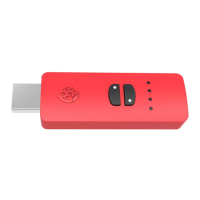
button on your Switch Up
TM
device. Step by Step Instructions
below.
1. Ensure your Switch Up
TM
device is plugged into the
Switch
TM
Dock.
2. Ensure your wireless Wii U
TM
Pro Controller is off.
3. Place your Wii U
TM
Pro Controller into Bluetooth pairing mode by pressing the
SYNC button at the back for a few seconds.
4. The player indicators at the bottom of the Wii U
TM
Pro Controller will now begin to
cycle.
5. Now press the Bluetooth pairing button on the Switch Up
TM
device. The LED will
flash BLUE to show Bluetooth pairing has begun.
6. Within a few seconds the LED on the Switch Up
TM
device will be WHITE indicating
that pairing is complete.
7. The player indicators on the Wii U
TM
Pro Controller will light up one player
indicator LED.
8. You are now connected to the Switch Up
TM
device and ready to use your Wii U
TM
Pro Controller wirelessly.
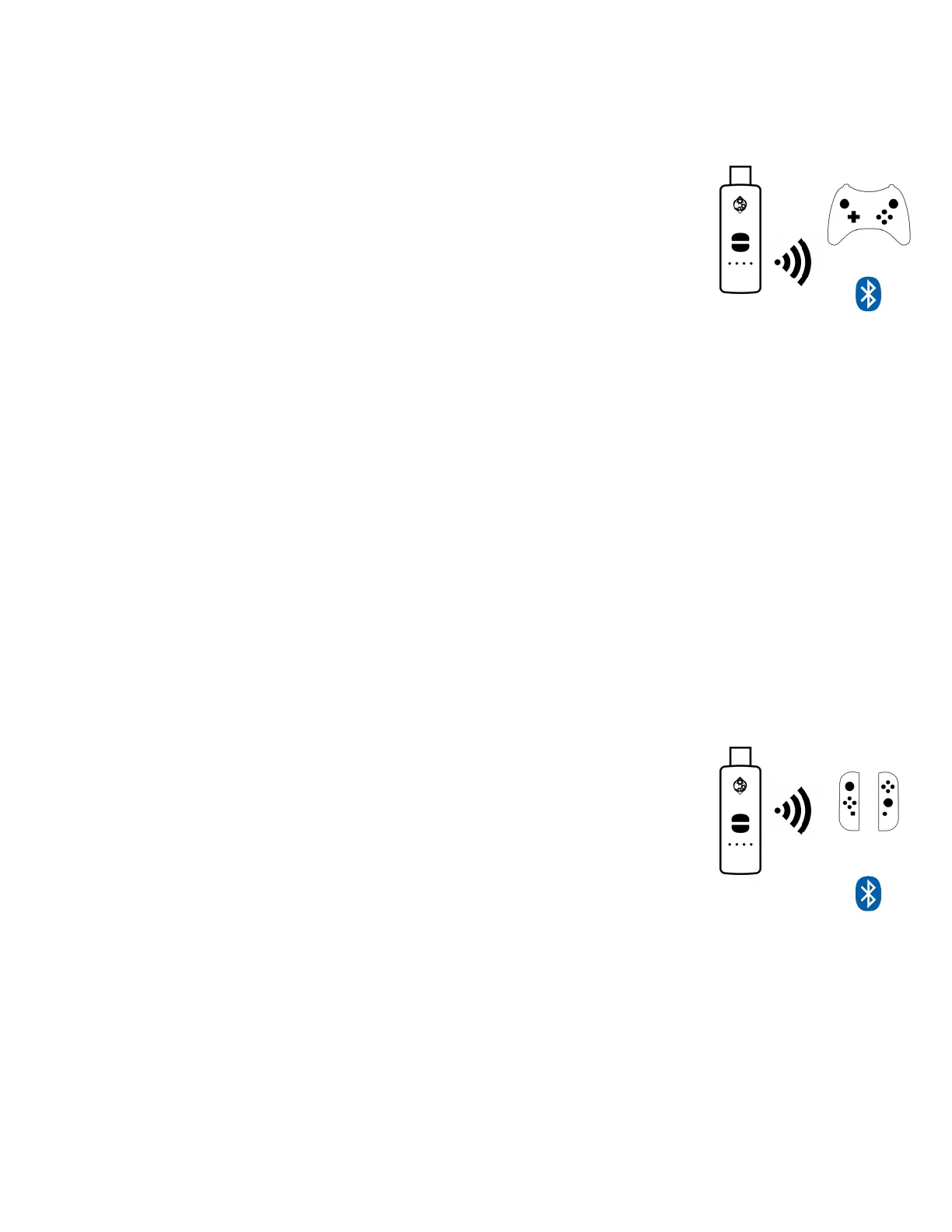
Joy-Con
TM
Wireless Controller Pairing
- Simply put your
Joy-Con
TM
controller into sync mode and press the Bluetooth
Sync button on your Switch Up
TM
device. Step by Step
Instructions below.
1. Ensure your Switch Up
TM
device is plugged into the
Switch
TM
Dock.
2. Ensure both Joy-Con
TM
controllers are off.
3. Place your LEFT Joy-Con
TM
controller into Bluetooth pairing mode by pressing
the SYNC button until the player LED’s on it begin to cycle.
4. Now press the Bluetooth pairing button on the Switch Up
TM
device. The LED will
flash BLUE to show Bluetooth pairing has begun.
5. Within a few seconds the LED on the Switch Up
TM
device will be WHITE indicating
that pairing is complete and you will feel a strong vibration on the LEFT Joy-Con
TM
controller.


 To Next Page
 Loading...