Shutting O the Alarm
• When the alarm is ringing, press the [ADJ] button to snooze
for 5 minutes. The [ ] icon will ash at the top of the clock
display while in snooze mode.
• Press the [SET] button to shut the alarm o until the next day.
The [ ] icon will appear solid on the display.
• To turn the alarm o completely, follow the instructions in the
Turning the Alarm ON/OFF section above. The [ ] icon will
disappear when the alarm is turn o.
Using the Projector
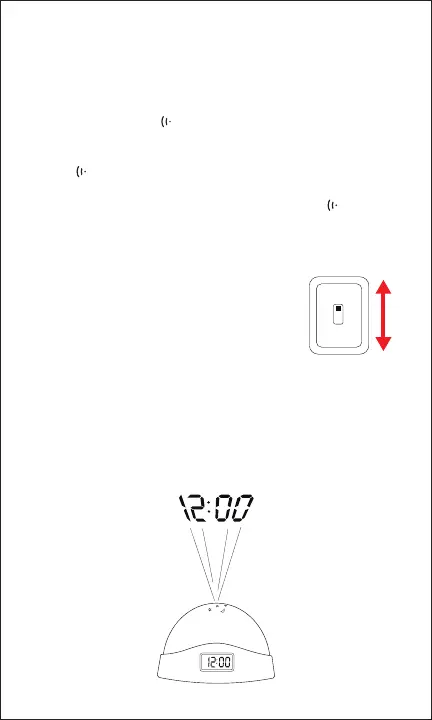
Move the power switch on the bottom of the
clock to turn the star projector ON and OFF.
When powered ON, the projector lights will
turn on and start cycling through dierent
colors.
To project the clock display, press down on the top of the clock
until it clicks. The clock will project the display in red light for
~15-20 seconds before fading away.
For best results, project onto a surface that is at least 2 feet away.
ON
OFF



 To Next Page