Actual recording time is not guaranteed. Most DVRs can store up to 120 hours of standard-definition programming or up to 26 hours of
high-definition programming. Comcast DVR service and Comcast High-Speed Internet are required for myDVR Manager. Ask your Comcast
customer service representative for details.
COMCAST DIGITAL CABLE WITH DVR SERVICE
With Comcast DVR (Digital Video Recorder) service, it’s easy to record your favorite show or series and
watch them whenever you want. With Smart Series Recording, simply highlight a program in your on-screen
program guide and press record twice. Record and control one or two shows at once, you can even play back
a third show you’ve already recorded at the same time. Comcast DVR service gives you TV on your terms.
Record a single program
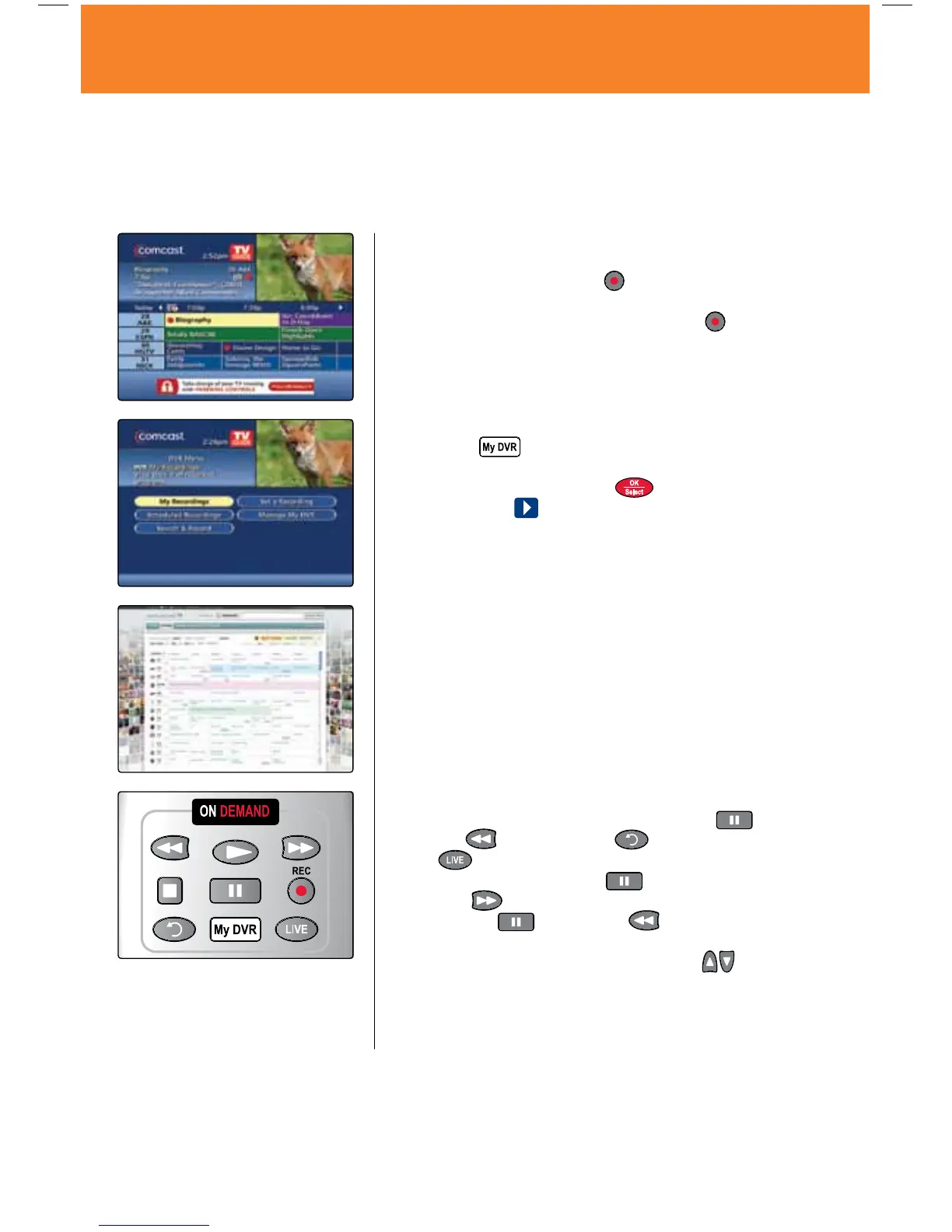
• WhileviewingTVListings,highlighttheprogramyouwishto
record and press the Record
button on your remote. A red
dot appears in the Program Information window.
• WhilewatchingliveTV,simplypressRecord
. A Recording
Started notice appears to indicate recording has begun.
Watch a recording
1. Press the
button on your remote and select My
Recordings.
2. Highlight a program and press
.
3. Select the Play
icon to begin.
myDVR Manager
Schedule your Comcast DVR recordings from any computer with
an Internet connection.
1. To get started, go to comcast.net/mydvr.
2. Login with your comcast.net username and password to
activate.
3. Go to comcast.net/tv, select the TV Listings you want to record.
More DVR Features
• ControlLiveTV/RecordedPlayback — Pause
,
Rewind
or Instant Replay on your remote. Select
the
button on your remote to return to live TV.
• SlowMotion — Press Pause
, then press Fast-
Forward
to view slow-motion in forward mode. Or
press Pause
, then Rewind to view slow-motion
in reverse mode.
• SkipForward/SkipBack—PressthePage
buttons on
your remote to skip forward or back in 5 minute intervals.
• Settings — DVR settings can be modified by going to the
Main Menu, then to Setup, then Guide Setup to customize
your options.
18 DVR Service
MO A28 VOD_10.indd 18 10/14/09 4:35 PM



 To Next Page