36
XFINITY Communities Handbook
Accessing the On Demand menu (cont.)
3. Highlight the Watch option and press OK.
4. If the program is available in both high denition and standard denition, you will be prompted to
choose the version you wish to view. Use the Up Arrow or Down Arrow button on the remote to
choose your preferred version and press OK.
HD is the default selection when choosing to watch XFINITY On Demand programming. This HD preference
can be turned o by navigating to Settings > Preferences from the Main Menu.
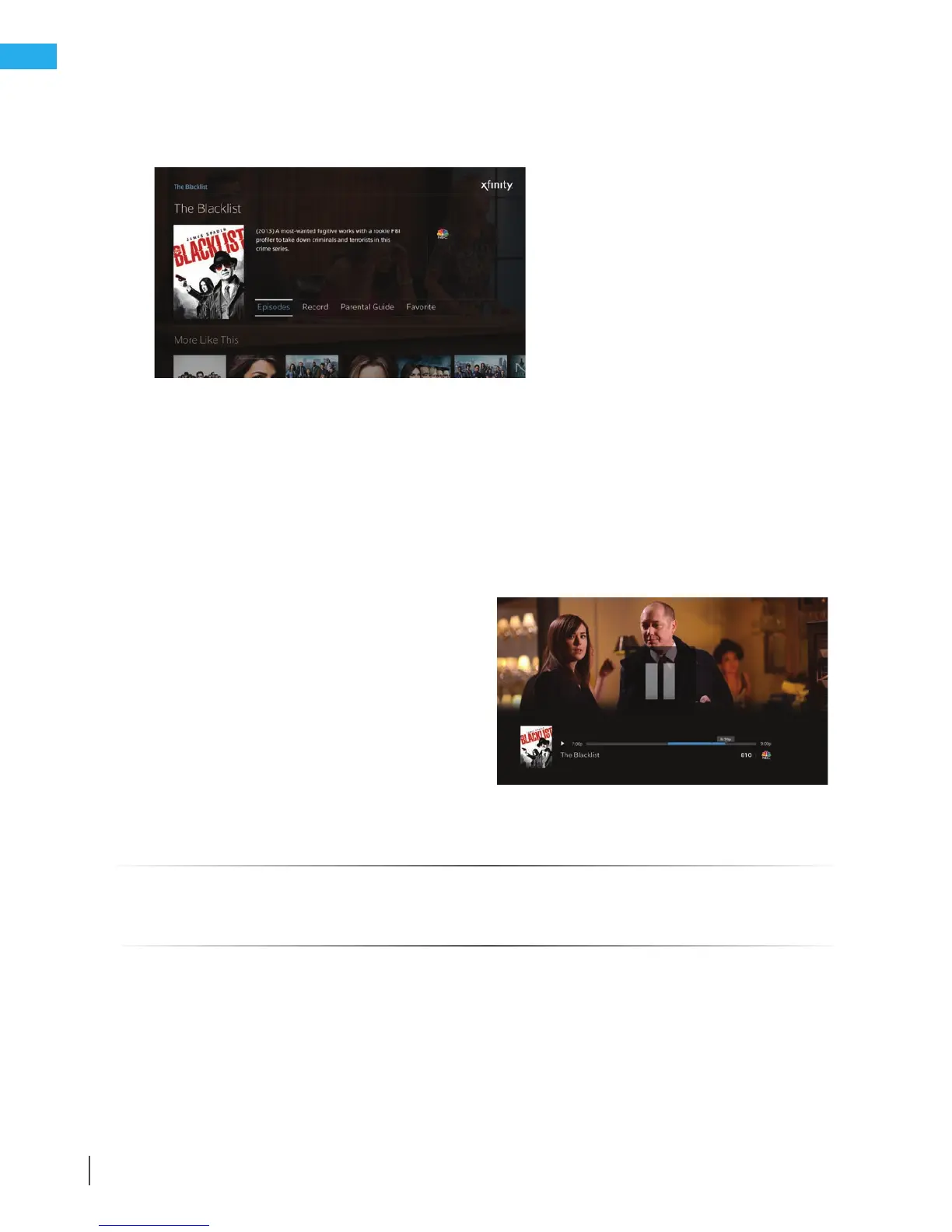
5. Your program will begin playing. You can use the Pause/Play and Rewind buttons to stop, restart
or rewind the program. For some programs, you can also use the Fast-Forward button to advance through the
program. Or use the Page Up button to advance in 10-minute increments.
6. When you are nished watching, press the Exit
button to exit the program and return to live TV.
Note: You can easily access the program again
using the Last button (if the program is among
the last 9 options viewed on your TV), or by
accessing the Saved menu, choosing For You,
and accessing the Recently Viewed category.
If you have not viewed the entire program,
the program can be resumed at the point
where you left o.
Quick Reference Tips - X1
For more information on how to use the X1 On Demand menu, visit xnity.com/Help
and search X1 On Demand.



 To Next Page