15
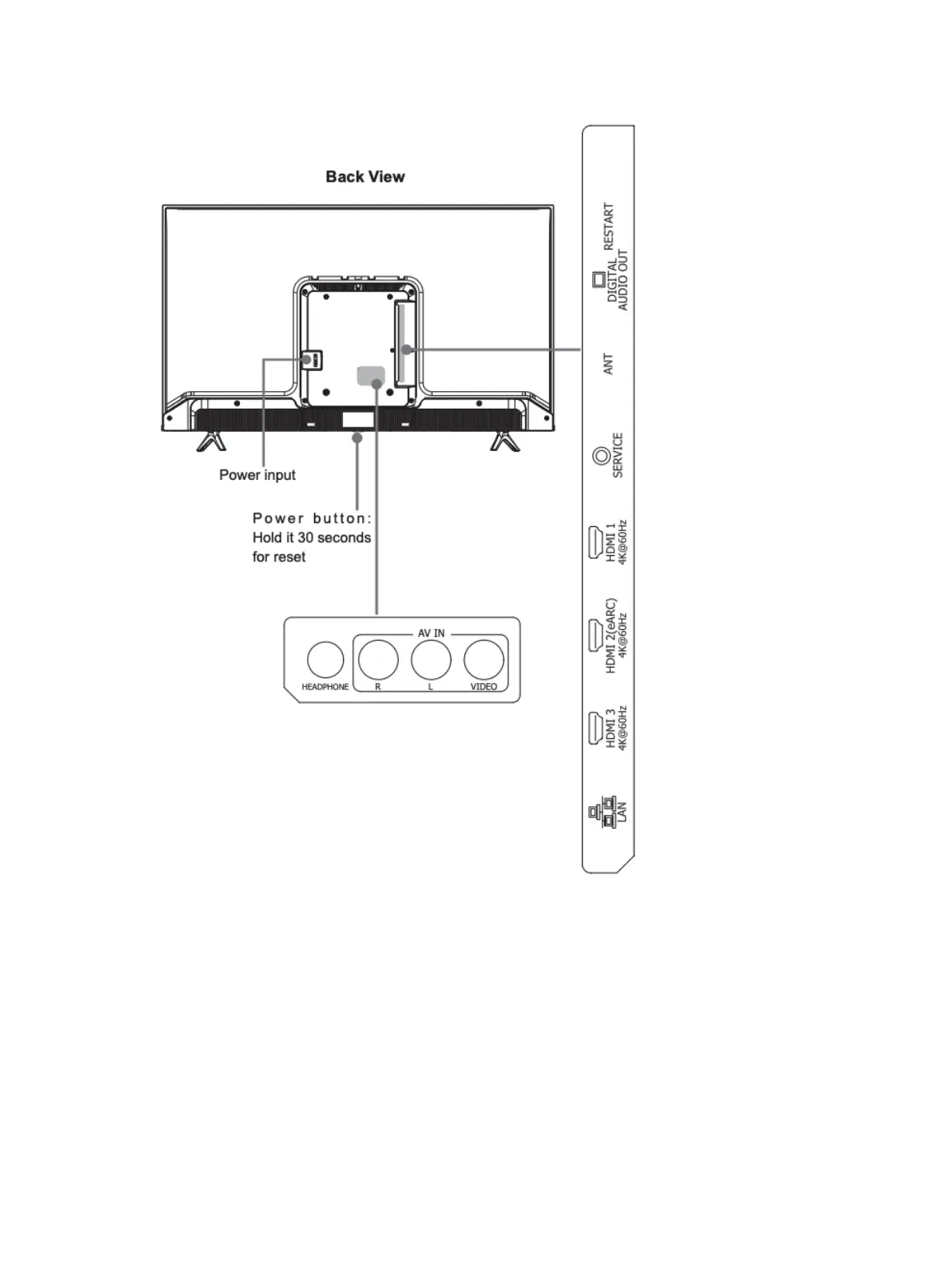
Connecting devices to your TV
Images throughout this document are for illustrative purposes only and may differ from the actual device.
When you first turn on your TV, you’ll be prompted to connect any devices you might have, such as antennas,
cable boxes, gaming systems, and media players. You’ll get step-by-step instructions on your TV screen.
If you choose not to connect your devices during the initial setup, you can always connect them later by
following the instructions below. Please note that in order to connect these devices to your TV, you’ll need
the appropriate cables and adapters, none of which are included with your TV.



 To Next Page