Parameter Programming
5
Some parameters
are accessible only
when the respective
functionality is installed.
(see 'Specifications').
- Changing
Point Position value
reflects the real value
of all parameters
with ISU!
E.g.: changing
Point Position value
from (0) to (0.0)
would change
a Set-point value
of 100 to 10.0!!!
Device parameters
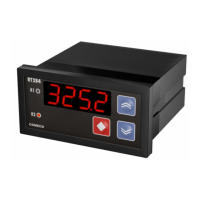
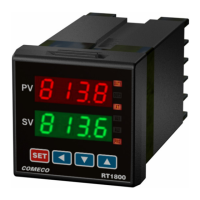
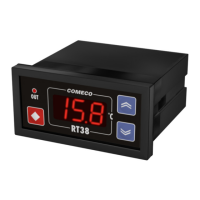
RT38 is a programmable device whose
service behavior is determined by a set
of parameters. All the parameters, along
with their names, symbols, and value ranges,
are given in Table 1.
Setting numerical parameter value
♦ Enter parameter value adjustment mode
(see 'Program Levels').
♦ The whole part of the value together with
the left zeroes appears on the display,
and the rightmost digit blinks.
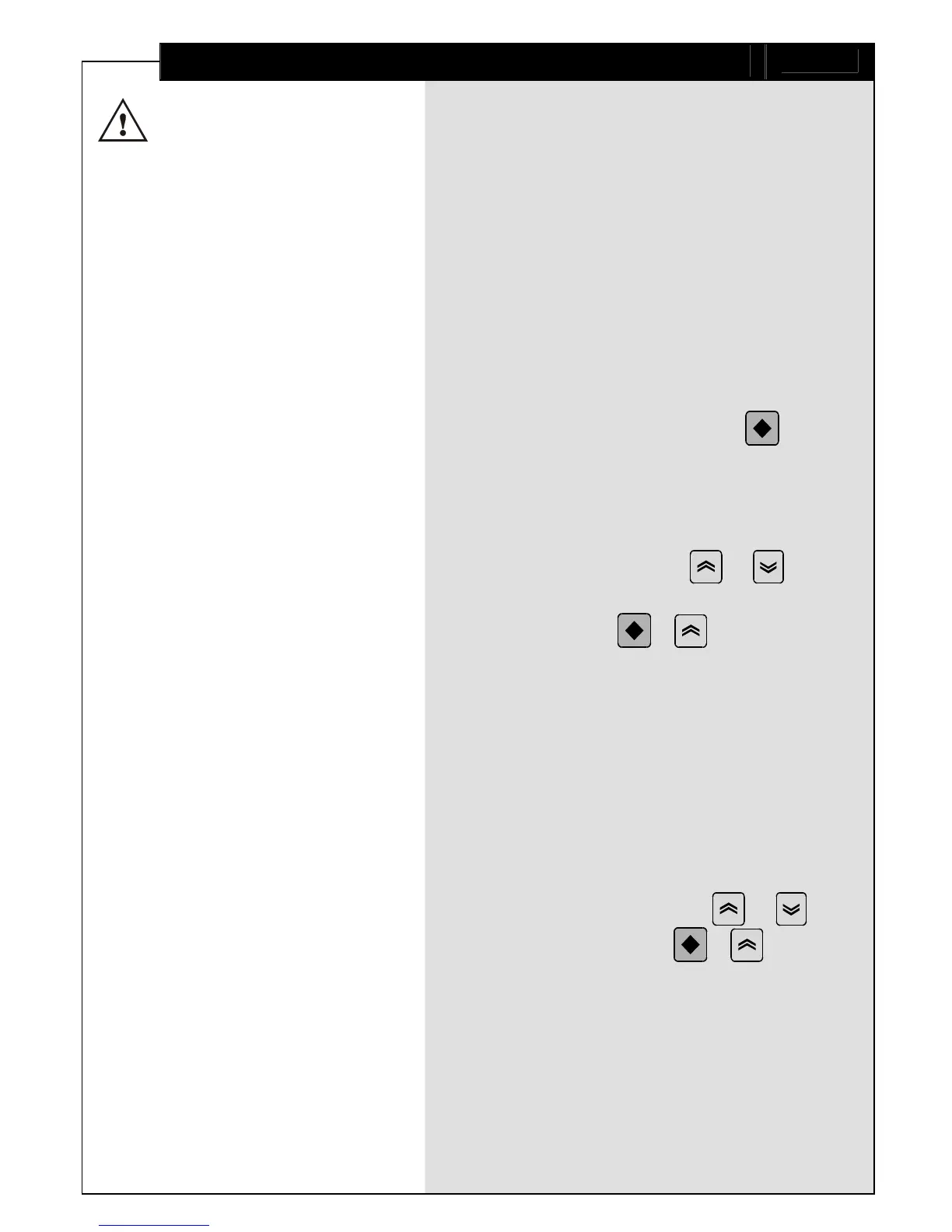
♦ To select another digit, press .
♦ The 2 rightmost digits can accept values
from 0 to 9, and the leftmost digit
can also accept the values - and `.
♦ To increase or decrease the blinking digit
value, use respectively or
.
♦ Confirm the adjusted value by pressing
simultaneously + .
♦ If the new value has not been confirmed
and no key has been pressed for a certain
period of time, value adjustment
automatically ceases, and the parameter
retains its initial value.
Setting symbolic parameter value
♦ Enter parameter value adjustment mode
(see 'Program Levels').
♦ Read the blinking parameter value.
♦ To change the value, use or ,
and to confirm, press + .
♦ If the new value has not been confirmed
and no key has been pressed for a certain
period of time, value adjustment
automatically ceases, and the parameter
retains its initial value.


 To Next Page