User’s Manual
4
Chapter 2 — Operation
TURNING ON THE POWER
Connecting the power cord to the DVR turns on the unit. The unit will take approximately 30 seconds to
initialize.
The DVR provides five operation modes: live monitoring, recording, playback, searching and PTZ mode.
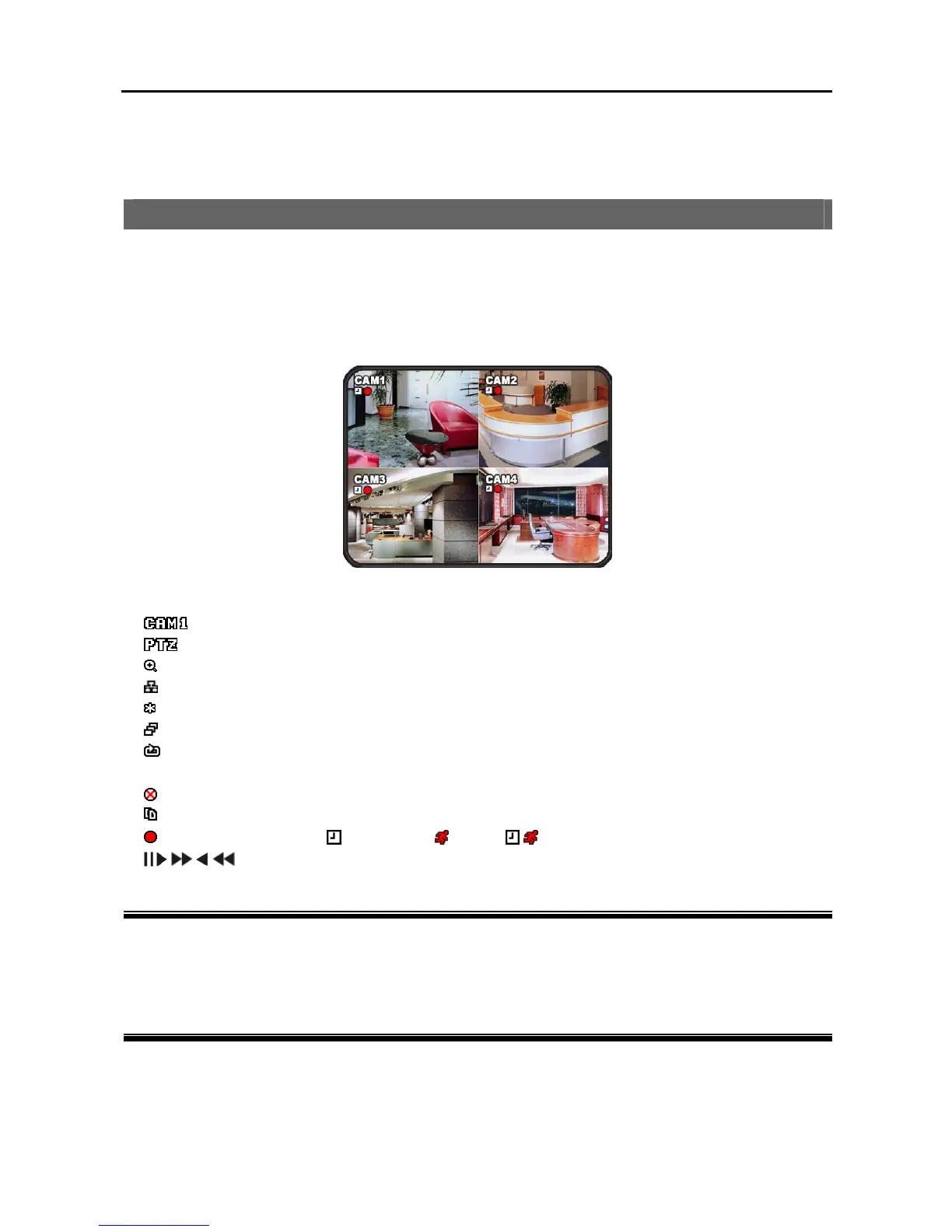
When the DVR operates first, it displays quad screen and starts recording.
The description of OSD icons is as follows:
Camera title
PTZ mode
Zoom mode
Network connected
Freeze mode
Sequence mode
HDD
Recycle mode
% Remaining storage space
Schedule recording off
Being clip copied
Recording mode ( : Time-lapse, : Event,
: Time-lapse & Event)
Playback mode
How to change the password…
There is no default password and you can designate a password. You will be asked the password when
entering Main Setup menu. Refer to Chapter 3 – Configuration Main Menu, SYSTEM for changing
password.
How to change the system date/time…
You can change the system date/time. Refer to Chapter 3 – Configuration Main Menu, SYSTEM for
changing the system date/time.



 To Next Page