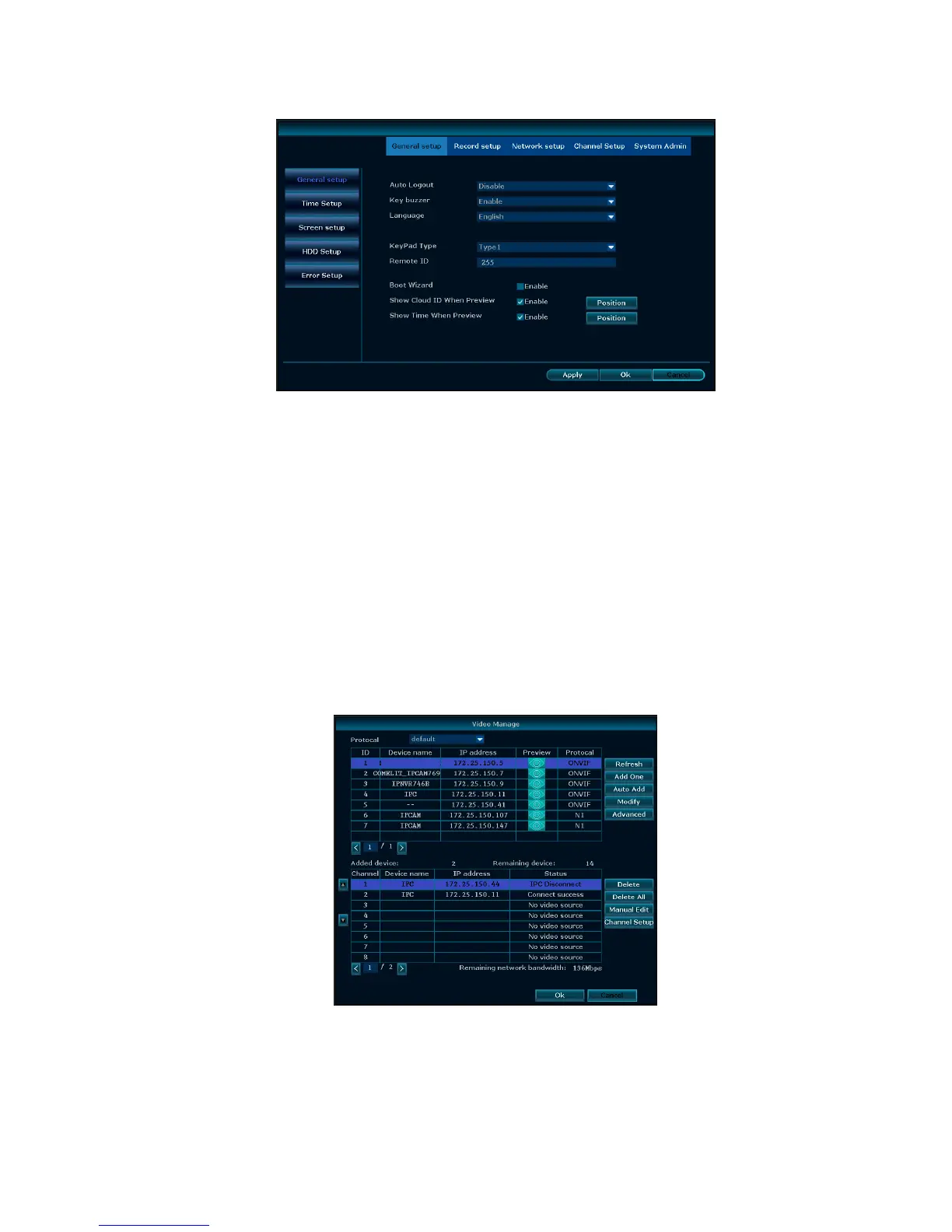
General setup
Choose the "General setup" and turn into it's setup interface.
Time Setup:the real time when preview, click ”Refresh” after setting, make sure saving when it
shows ”the recording will stop once you modify the time” and save the setting.
Auto Logout: the present user will be logged off if there is no operation within 10 minutes, and it
needs login again.
Key Buzzer:enabled, there is sound with the controller or pressing key on front panel. Disabled,
without sound.
Language:there is multiple choices according to users, English and so on.
Remote ID:user can use this ID to control the NVR by remote controller. The remote controller
should be correspond with the ID so that it can work.
After setting finished, click "Ok", the information will be saved. Click "Cancel" to exit without saving.
Video manage
Before connecting and set up IPC, please confirm that IPC is already connected to LAN.
Right click on the preview interface, pop-up shortcut interface, click “Video manage".
Add one: add the selected camera
Auto Add: add all cameras detected
Delete: delete the selected connected IPC



 To Next Page