EN
11
1210
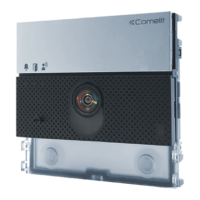
1210A
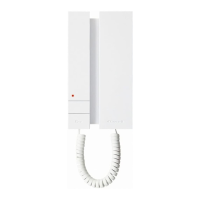
1595
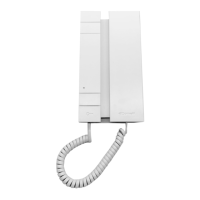
1440+1441
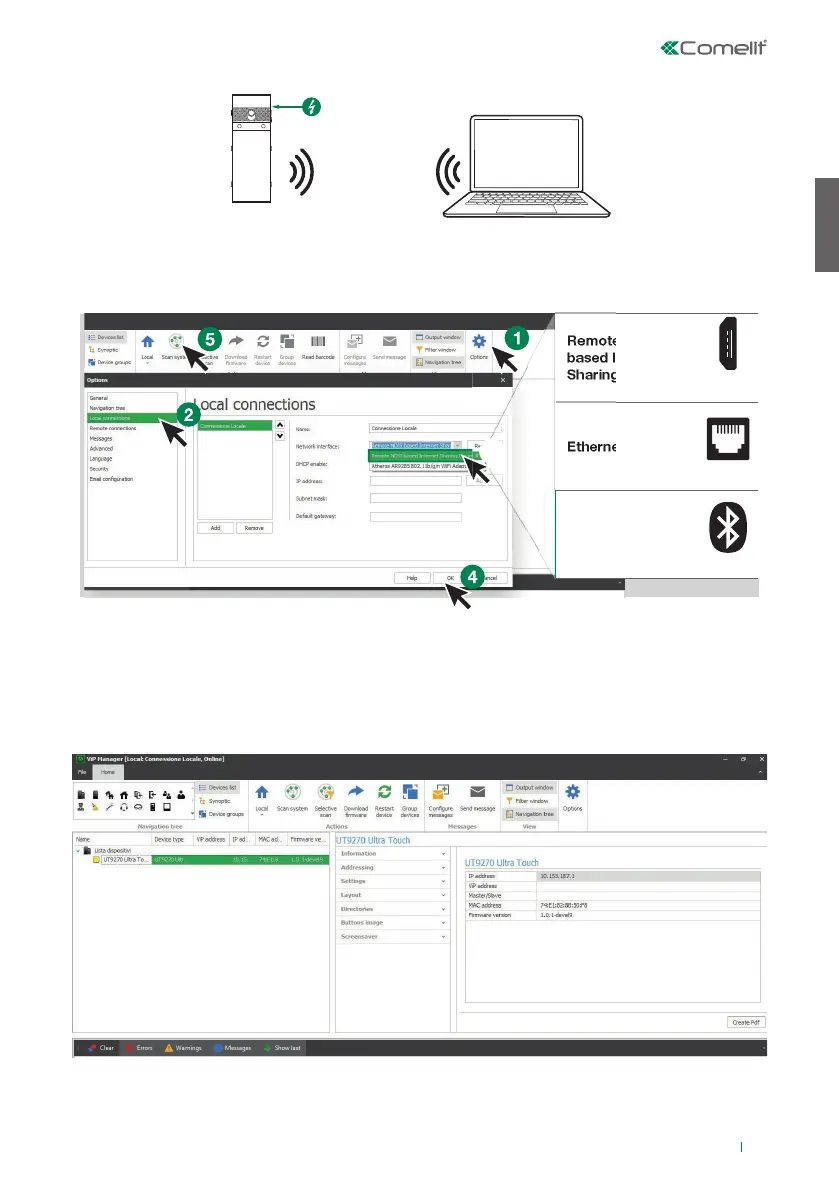
Remote NDIS
based Internet
Sharing Device
Micro-
USB
Ethernet card
LAN
Bluetooth Device
(Personal Area
network)
Bluetooth
Connection via Bluetooth
SEARCHING FOR DEVICES TO CONFIGURE
√ Connect the Touch module to the computer and open ViP Manager
1. In Options (1), Local connections (2), select the correct Network interface (3) according to the method
used to connect the computer and the Touch module (Micro-USB, LAN, Bluetooth).
2. Confi rm by pressing OK (4)
3. Press Scan system (5) to begin searching for devices
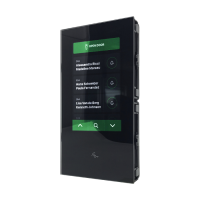
4. Select “UT9270”
Note
For connection via Bluetooth, please refer to the full manual for art. UT9270


 To Next Page