PT
51
1210
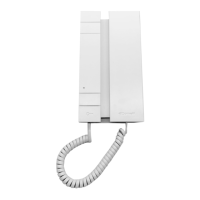
1210A
1595
1440+1441
Remote NDIS
based Internet
Sharing Device
Micro-
USB
Ethernet card
LAN
Bluetooth Device
(Personal Area
network)
Bluetooth
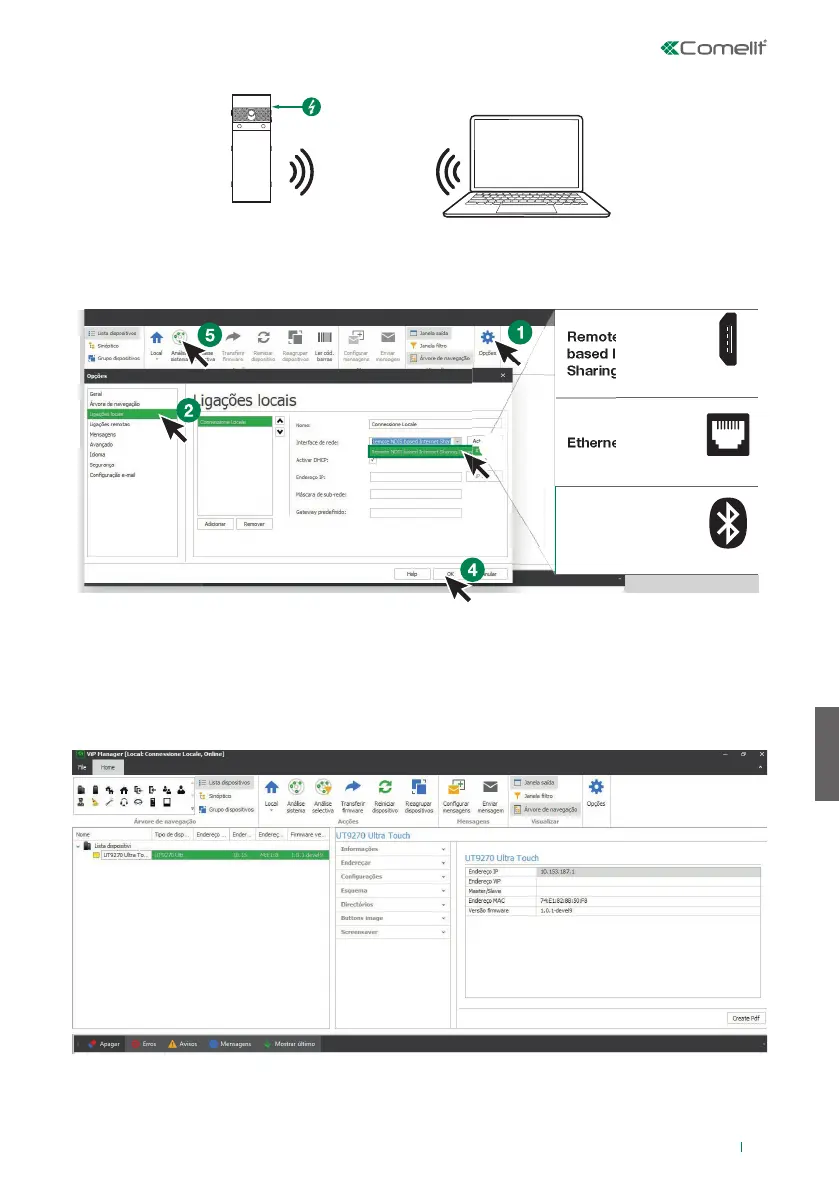
Ligação através de Bluetooth
PESQUISA DE DISPOSITIVOS A CONFIGURAR
√ Ligar o módulo Touch ao computador e abrir o ViP Manager
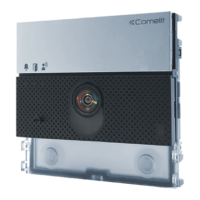
1. Em Opções (1), Ligações locais (2) seleccionar a interface de rede (3) correcta, consoante o modo de
ligação entre o computador e o módulo Touch (Micro USB, LAN, Bluetooth).
2. Premir OK (4) para confi rmar
3. Premir Análise sistema (5) para iniciar a pesquisa de dispositivos
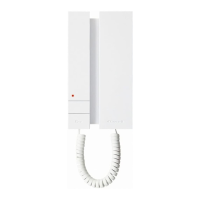
4. Seleccionar “UT9270”
Nota
Para ligação através de Bluetooth, consultar o manual completo do art. UT9270


 To Next Page