Printing
6
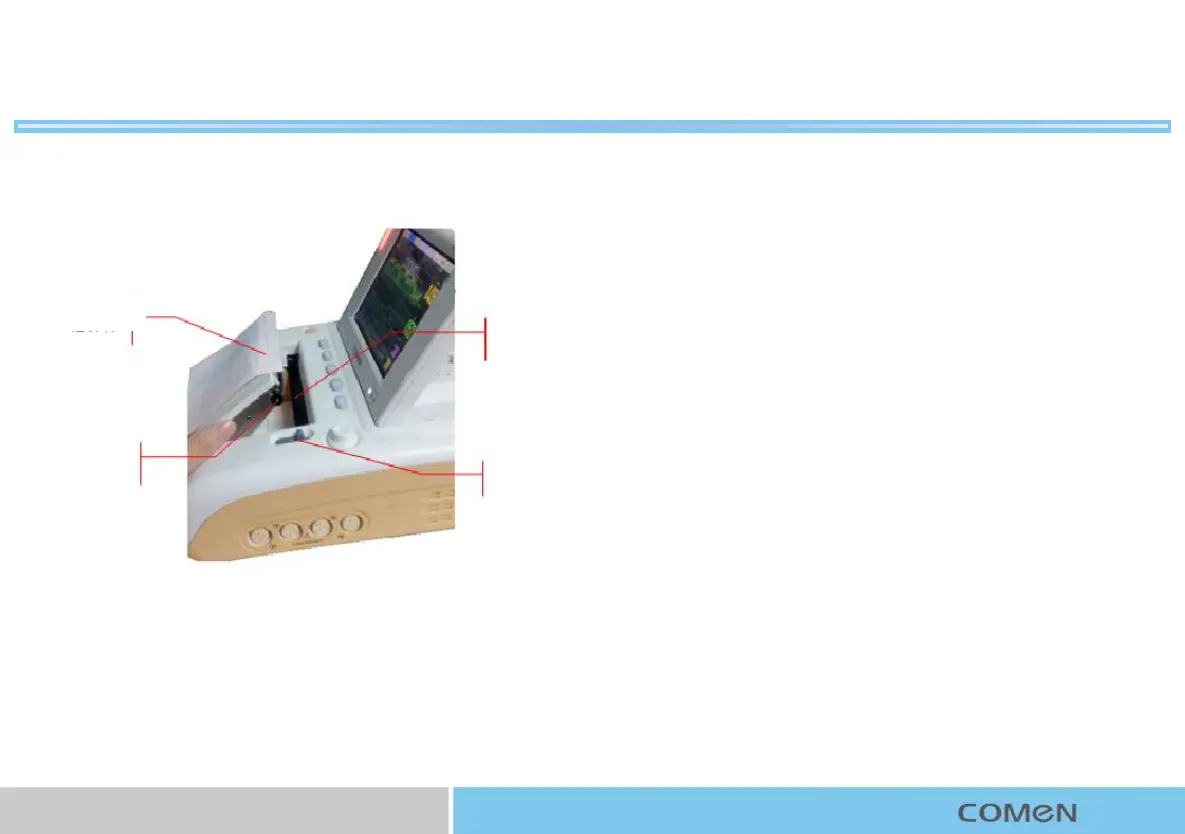
1. Unlock the paper compartment with your right hand and open
the compartment door outwards;
2. Put new record paper into paper slot with the grid side facing
up and top of the paper (210) toward the left of the monitor;
3. Pull the paper through top of the paper roller until it reaches
out of the opening, and put the paper upright;
4. Press down the door. Make sure the door is properly locked.
Changing record paper:
Record paper
Thermal print head
Paper roller
Paper compartment lock



 To Next Page