EasyManua.ls Logo

COMFORT-AIRE PS-101A - User Manual

COMFORT-AIRE PS-101A
16 pages
Print Icon
To Next Page IconTo Next Page
Loading...
INSTALLATION, OPERATION
& MAINTENANCE MANUAL
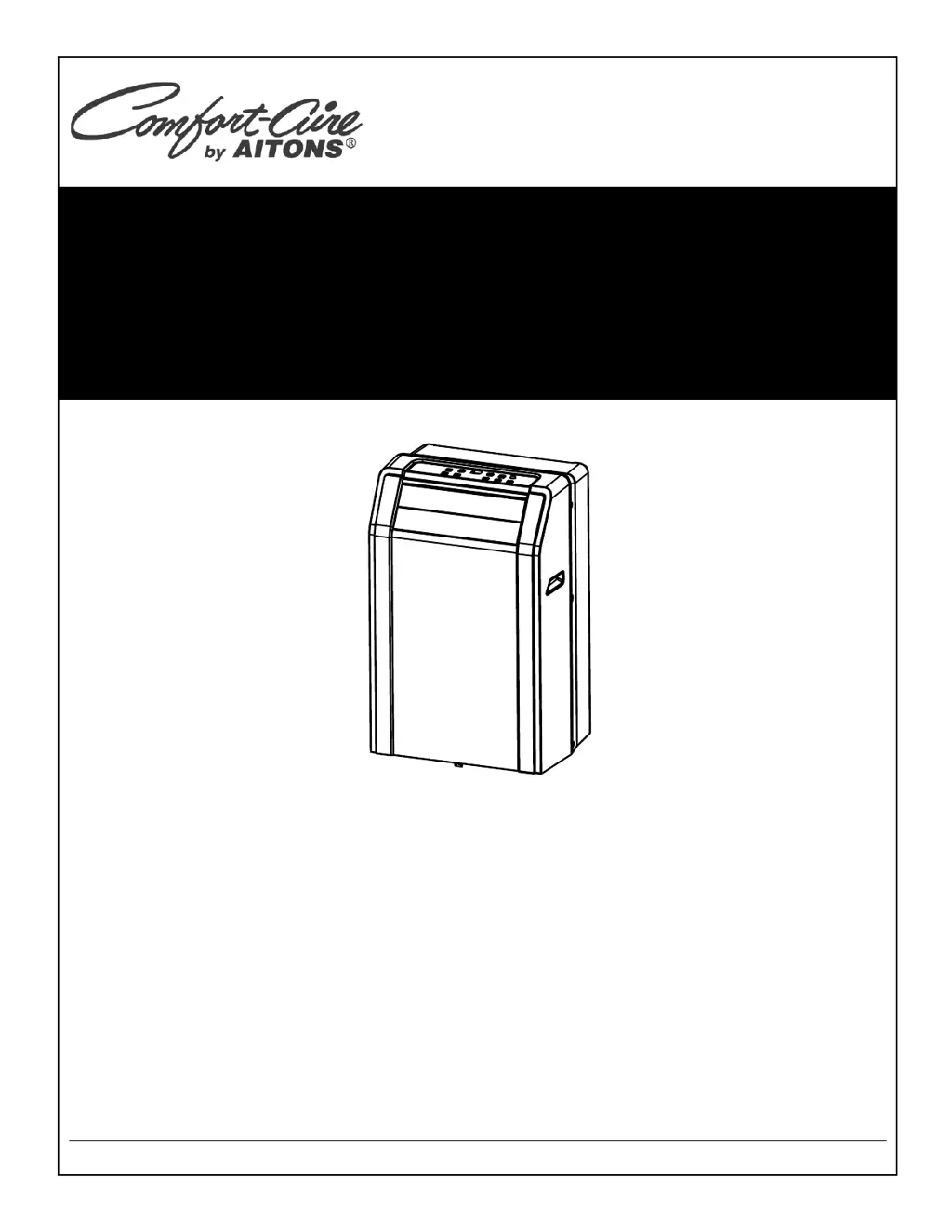
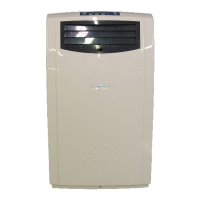
Portable Room Air Conditioner
PS-81A
PS-101A
PS-121A
French version of this manual is available on our website
TABLE AIR C
AITONS EQUIPMENT Guelph, ON N1H 6H9 1-888-744-2911 www.aitons.com

Questions and Answers

  • J
    James WrightAug 5, 2025
    Why is my COMFORT-AIRE PS-101A Air Conditioner not cool enough?
    • E
      elizabethhortonAug 5, 2025
      There are several reasons why your COMFORT-AIRE air conditioner might not be cooling effectively: * Ensure all windows and doors in the room are completely closed and try to remove any significant heat sources. * Check that the exhaust air duct is properly connected and not blocked, ensuring it functions correctly. * The temperature setting may be too high; try decreasing the set temperature. * The air filter could be blocked by dust. Clean the air filter to improve performance. Also, if possible, place the unit on flat, level ground.
  • J
    James StevensAug 20, 2025
    Why did my COMFORT-AIRE Air Conditioner power shut off in Heating mode?
    • E
      Eric BallAug 20, 2025
      The power shut off in heating mode is due to the automatic overheat protection function. When the temperature at the air outlet exceeds 70°C/158°F, the device will automatically stop to prevent damage.

Summary

Safety Precautions

Safety Rules

Rules to prevent injury, property damage, and incorrect operation.

Operating Conditions

Temperature range for COOL and DRY modes.

Suggested Tools for Window Kit Installation

List of tools needed for installing the window kit.

Identification of Parts

Safety Warnings and Electrical Information

Warnings about flammable substances, extension cords, and electrical grounding.

Accessories List

List of included parts with images and names.

Identification of Parts

Front View Components

Labels for front parts of the air conditioner.

Rear View Components

Labels for rear parts of the air conditioner.

Air Conditioner Features

Electronic Control Operating Instructions

Introduction to controlling the unit via panel or remote.

Operation Panel Overview

Explanation of buttons and displays on the control panel.

Error and Protection Codes

Explanation of error codes like E1, E2, E4, P1.

Operating Instructions

Mode Operations

Instructions for operating in COOL, DRY, AUTO, and FAN modes.

Timer and Sleep Operations

How to set Auto Start/Stop timer and activate sleep mode.

Operating Instructions

Auto-Restart and Compressor Time Delay

How the unit restarts after power loss and compressor delay.

Air Flow Direction Adjustment

How to adjust the louver swing direction and stop it.

Installation Instructions

Location Requirements

Guidelines for placing the unit for optimal performance and safety.

Window Slider Kit Installation

Instructions for fitting the slider kit to standard windows.

Installation Instructions

Installation in a Double-Hung Sash Window

Step-by-step guide for installing in a double-hung window.

Installation Instructions

Installation in a Sliding Sash Window

Step-by-step guide for installing in a sliding sash window.

Installation Instructions

Exhaust Hose Installation

Instructions for installing or removing the exhaust hose based on mode.

Important Exhaust Hose Guidelines

Warnings about hose extension, bending, and clearance.

Installation Instructions

Condensate Drainage

Instructions for draining condensate and handling P1 error.

Care and Maintenance

Important Care and Maintenance Notes

General warnings before cleaning or servicing the unit.

Air Filter Cleaning and Installation

Instructions for removing, cleaning, and reinstalling air filters.

Unit Cabinet Cleaning

How to clean the exterior of the unit.

Unit Storage When Not in Use

Procedures for storing the unit, including draining and cord management.

Troubleshooting Tips

Unit Does Not Start

Possible causes and remedies for the unit not starting.

Unit Not Cooling Enough

Causes and solutions for insufficient cooling.

Noisy or Vibration Issues

How to address noise and vibration problems.

Gurgling Sound

Explanation that gurgling sound from refrigerant is normal.

Power Shut Off at Heating Mode

Explanation of overheat protection stopping operation.

COMFORT-AIRE PS-101A Specifications

General IconGeneral
BrandCOMFORT-AIRE
ModelPS-101A
CategoryAir Conditioner
LanguageEnglish

Related product manuals