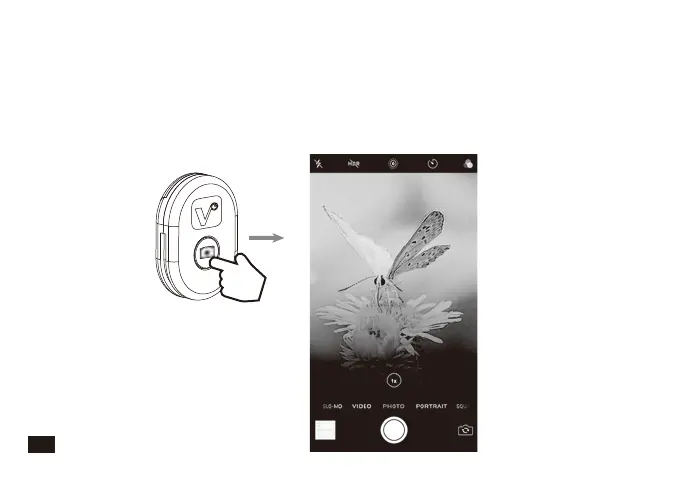
Second Step: Functional operation
Photo Mode:
1. (In the Bluetooth remote control state) When the phone is connected to the
ViewFlex-H Bluetooth device, adjust the smartphone to the photo mode. At this
time, the Bluetooth remote control button can replace the smartphone photo
button. Short press once, the green light will flicker 3 times and take a picture
16



 To Next Page