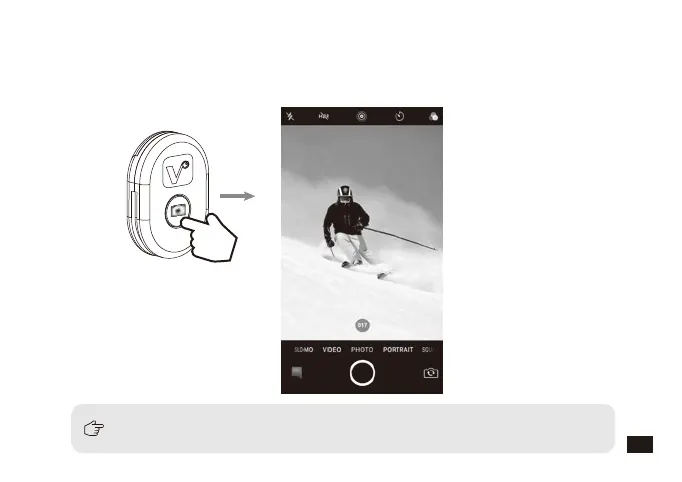
Continuous shooting function is only used for rear camera
2. Press and hold the Bluetooth remote control button for three seconds, when the
green light is on, release the button, and the green light flickers 3 times, the
smartphone enters the automatic continuous shooting mode (The continuous
shooting time lasts for 3 seconds, and the number of photos is subject to the
smartphone)
17



 To Next Page