Function and Usage
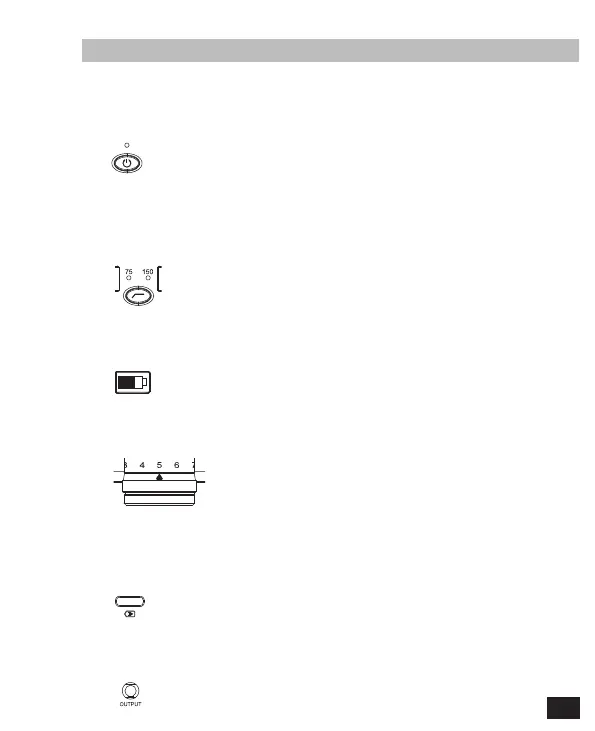
1. Power Button
2. Low Cut Filter Button
3. Battery Level Display Screen
4. Gain Control Knob
5. USB-C Charging Port
6. 3.5mm TRS Audio Output Port
Short press for On/Off; the Power Indicator Light is blue when turn on it, the
light is red when low battery
Short press for switching Low Cut Filter. There are turn off, 75Hz, 150Hz three
levels for switching. The Low Cut Filter Indicator Light is blue when choosing
75Hz or 150Hz level
It will display the battery status of microphone
Rotate Gain Control Knob to adjust the gain of microphone
Connect external power supply to charge the microphone through USB-C
Charging port; support working while charging for extending the working time
It can be inserted with 3.5mm TRS audio cable for audio output
7



 To Next Page