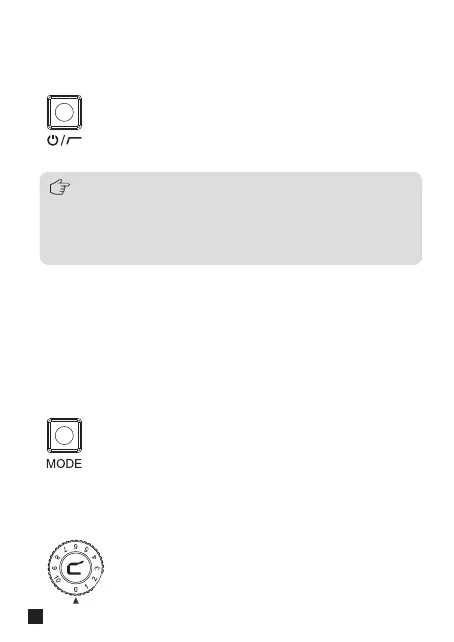
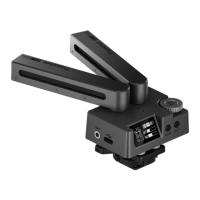
Long press to turn on/o the Traxshot PRO, short press to switch 75/150Hz
two-grade low cut filter.
1. Power/LCF Switch Button
Short press to switch A/PM/PS three pickup modes; ‘A mode’ means
automatic pickup mode, which automatically switches to mono or
stereo according to the pickup angle of the microphone; ‘PM mode’
means programmable mono pickup mode, which delivers mono
audio at any pickup angle; ‘PS mode’ means programmable stereo
pickup mode, which delivers stereo audio at any pickup angle.
2. Pickup Mode Switch Button
Adjust the mic gain and monitor volume via the knob.
3. Gain Control Knob
Traxshot PRO features an auto-power function that
automatically turns the microphone on/o when it detects that
the camera/USB device is switched on/o. It also features a
power button, so that it can be manually powered on and o in
unrecognized situations.
4



 To Next Page