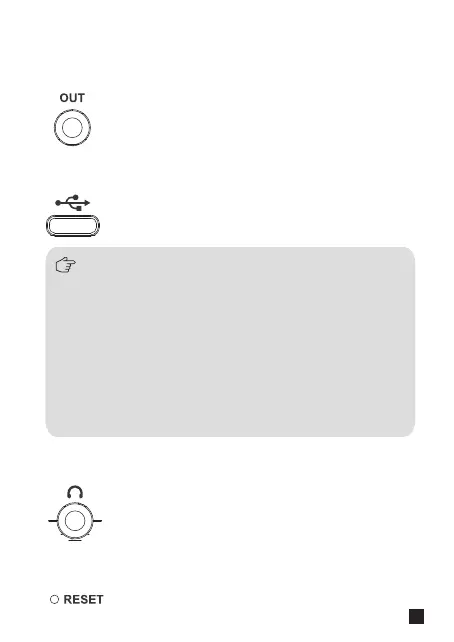
Plug in 2 in 1 audio output cable for charging, upgrading and audio output.
5.1 Long press the MODE button of Traxshot PRO to enter
upgrade interface;
5.2. Connect the Traxshot PRO to the computer via USB-C
cable;
5.3. Copy the new firmware file of Traxshot PRO to the
corresponding disk;
5.4. Unplug the USB-C cable after the computer ejects the
USB flash disk;
5.5. Turn o Traxshot PRO and Turn on Traxshot PRO again
to use new firmware.
5. USB-C Charging&Upgrading&Audio Output Port
The upgrade method is as follows:
Connect corresponding devices via 3.5mm TRS-TRS/TRRS-TRRS audio
output cable.
4. 3.5mm TRS /TRRS Audio Output Port
Plug in 3.5mm TRS/TRRS headphone for monitoring.
6. 3.5mm TRS/TRRS Monitoring Port
Plug in needle-shaped objects for resetting Traxshot PRO.
7. Reset Hole
5



 To Next Page