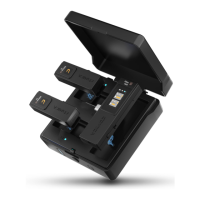
5. Muting Mode Note
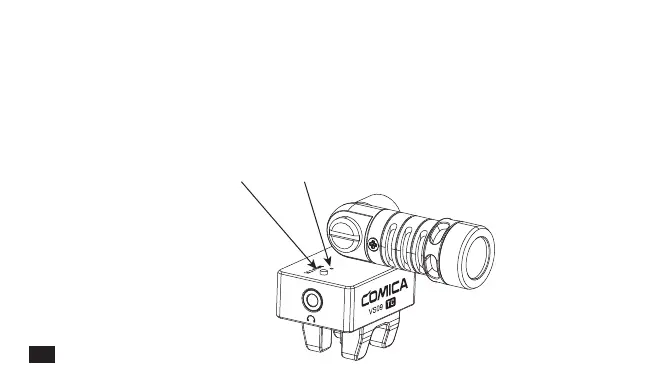
Switch Muting Mode by pressing Muting Button. When in normal recording mode, the indicator light
turns green; When in muting mode, the indicator light turns red.
When replaying recorded audio or video with phone, muting mode should be turned on to avoid the
influence of microphone real-time sound
Microphone Muting Button Work Indicator Light
8



 To Next Page