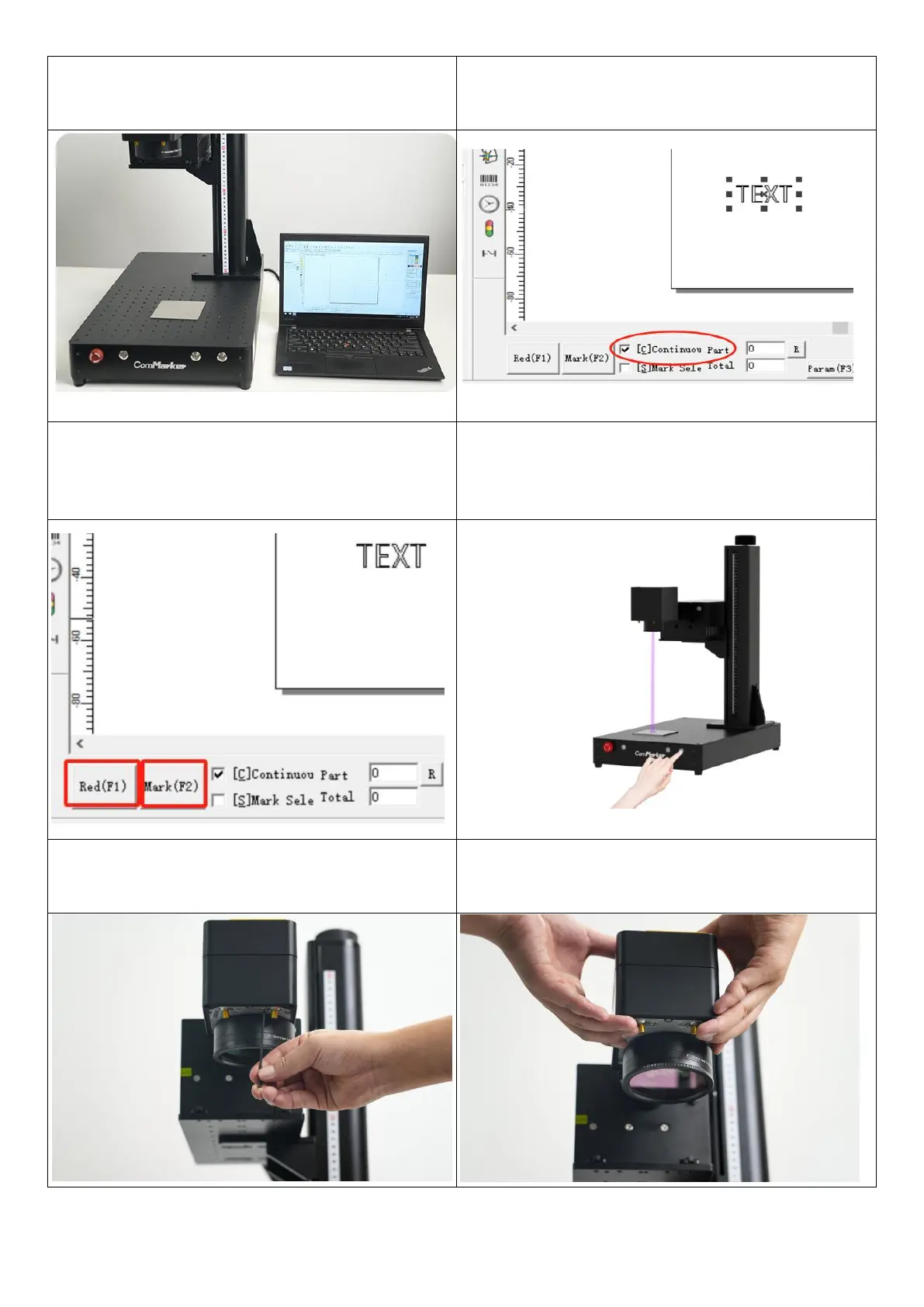
3.Turn on the machine, connect the computer with
the machine
4.Import the “TEXT” for testing , select the default
parameters, and tick the “continuous part” button.
5.Press “red light” to ensure it’ll mark on the test
material. Click “mark”, and the laser would be
continuously marking
6. Meanwhile, lift or lower the laser head and
observe the obvious change of intensity of the laser
beam. Stop when the it works with the strongest
laser
7.At this time, loosen the screws for the two beams
of the auxiliary red light
8.Manually adjust the relative position of the red
light dots to make them overlap.And tighten the
screws



 To Next Page