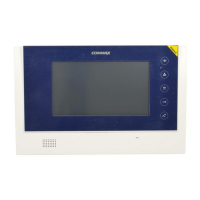
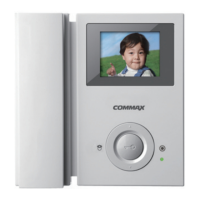
5-2. System Configuration
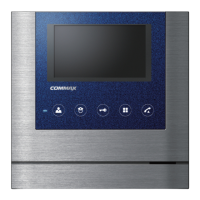
In Stand By Mode press the Menu button for 3 seconds to enter the System Setting Mode.
UP BUTTON-OPEN DOWN BOTTON-GUARD HOME SET-HOUSEHOLD AN INFORMATION
5-2-1. HOME SET (Input the Residence Information)
5-2 Press the moving button in System Setting Mode to move to HOME SET and press
SELECT button.
(1) HOME ID : Adjust the Building / Apartment Number Information.
※ Configuration Method
①
Press the moving button in System Setting Mode to move to HOME SET and press
SELECT button. Press UP/DOWN button to move HOME ID.
②
Press SELECT button to select category.
③
It will be display actual builng number/house number in monitor.
[Default Value is Building 1234 – Apartment Number 5678]
④
Press UP/DOWN button to select number and input the number.
: It is in total 8 digits, and must not have empty
(Ex : In case of Building 101 , Apartment No. 1 ( Input 0101 – 0001)
⑤
If you finish to input the last 8 digits please press the SELECT button to save.
(2) PASSWORD : Password setting of the residence
※ Configuration Method
①
5-2 First move to HOME SET and press SELECT button and move to PASSWORD by
UP/DOWN button.
②
Press SELECT button to select category.
(To move PASSWORD category and press SELECT button to enter PASSWORD Mode)
③
Press UP/DOWN button to select number and input the number.
(Input the new PASSWORD and automatically saved as 1234 and then you have to
reset PASSWORD.)
[Precaution : Avoid repetitive numbers. For security propose 0000, 1234 and 4321
can’t be used as PASSWORD]
④
When you finish to input number and Press SELECT button to save. Press SELECT
button to save the configuration.
(3) LOBBY ID : If connect up to 2 lobby phones, you have to sletct main Lobby phone.
8
④
Press the SELECT button when you set up.
(2) EXIT : Return to previous MENU.
②
Press SELECT button to select category.
③
Press UP/DOWN button to control CHIME-BELL VOLUME. The user can check all of
CHIME-BELL VOULME size.


 To Next Page