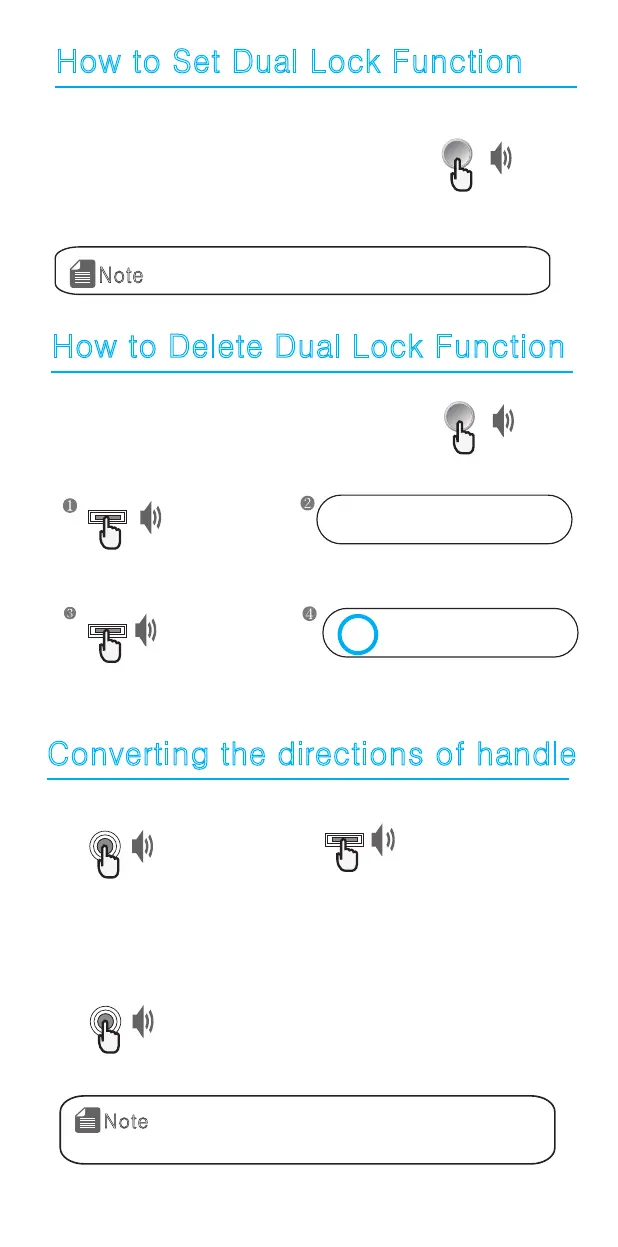
How to Set Dual Lock Function
1. How to set dual lock function
Press [Dual Lock] button for 3 seconds from inside
while the door is locked. And setting is done with
the confirmation tone.
This function is to prevent the door opening even with a password
or fingerprint from outside the door.
Beep
[Dual Lock]
1. When dual lock is set,5 buttons on number
plate will be illuminated.
Note
1. Deleting from inside door
Press [Dual Lock] button from inside door
to delete dual lock function.
Enter password
Beep
Press [Start] button from outside door.
How to Delete Dual Lock Function
2. Deleting from outside door
0 1 2 3 4 5 *
Beep
Press [Start] button from outside door.
Press [0] to delete dual lock function.
0 1 2 3 4 5 *
Converting the directions of handle
1. Press [Register] button.
Beep
Open the battery cover inside of
the main part and press
[Register] button.
2. Press [Start] button.
Beep
Press [Start] button from the
outdoor handle.
3. Press [Register] button.
Beep
Open the battery cover of the indoor main
part and press [Register] button, and directions
of handle will be changed.
1. If the number plate on the outside handle is
turned upside down after installation,
change the setting as described above.
Note
Beep
[Dual Lock]


 To Next Page