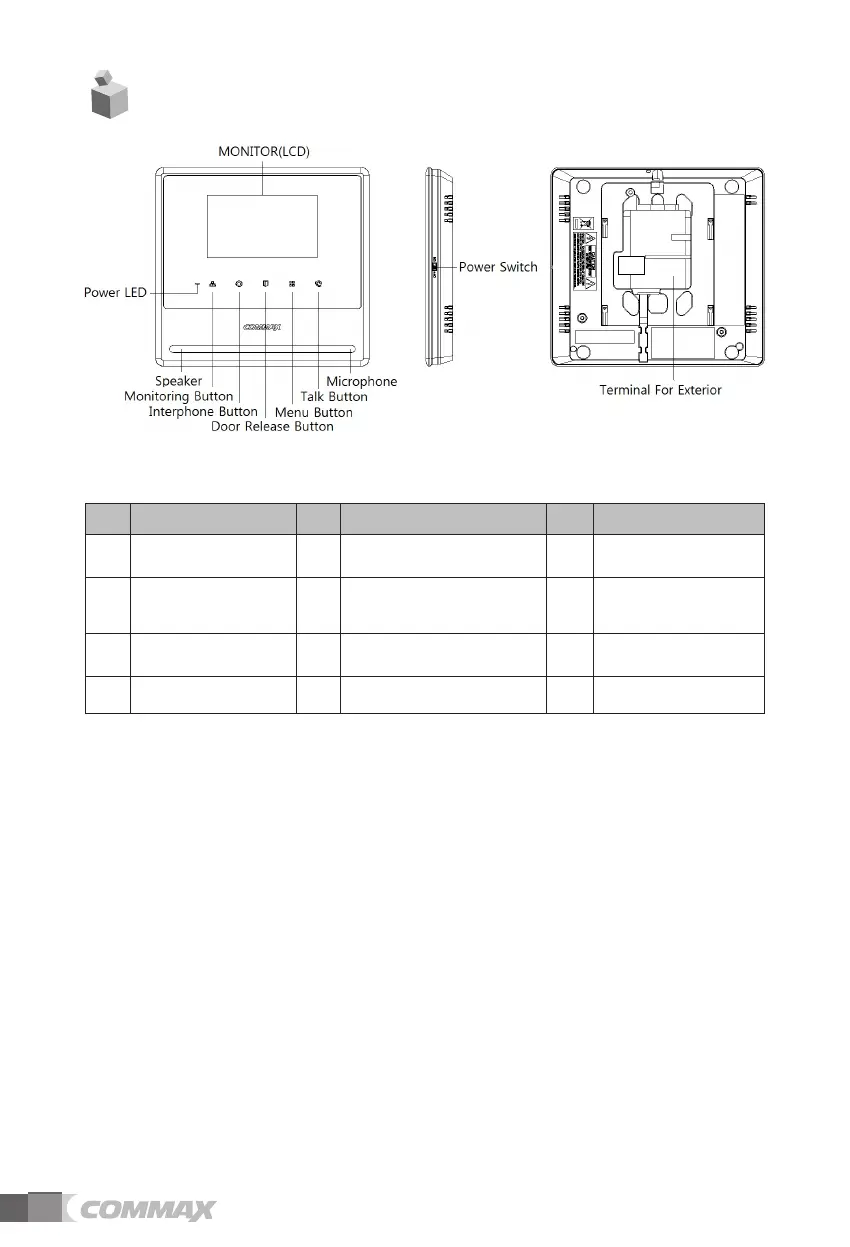
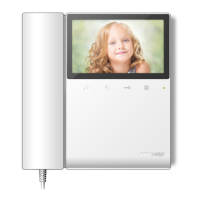
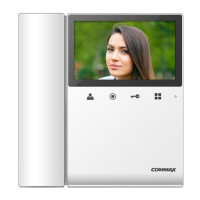
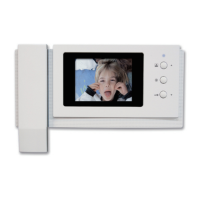
2. Parts Names
No.
PART PART
No.
PART
1 POWER SWITCH 5
MONITOR BUTTON /
DOWN BUTTON
9 TALK BUTTON
2 POWER LED 6
INTERPHONE BUTTON /
SELECT BUTTON
10 SPEAKER
3 MICROPHONE 7
DOOR RELEASE
BUTTON / UP BUTTON
11
TERMINAL FOR
EXTERIOR
4 MONITOR(LCD) 8 MENU BUTTON
1. POWER SWITCH
2. POWER LED : show blue light when the monitor is turned on, no light when off
3. MICROPHONE
4. MONITOR(LCD)
5. MONITOR BUTTON (DOWN BUTTON) : Press to see images from camera. And
press to move (down / left) on menu.
6. INTERPHONE BUTTON (SELECT BUTTON) : Press to call interphone. And
press to select on menu.
7. DOOR RELEASE BUTTON (UP BUTTON) : Press to open the door. And press
to move (up / right) on menu.
8. MENU BUTTON :
Press to enter Menu for display adjustment, calling sound setting, product
Information etc.
9. TALK BUTTON : to call and answer for visitor.
10. SPEAKER
11. TERMINAL FOR EXTERIOR : terminal for product upgrade, entrance camera
and interphone connection.
4



 To Next Page