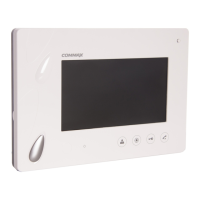
10
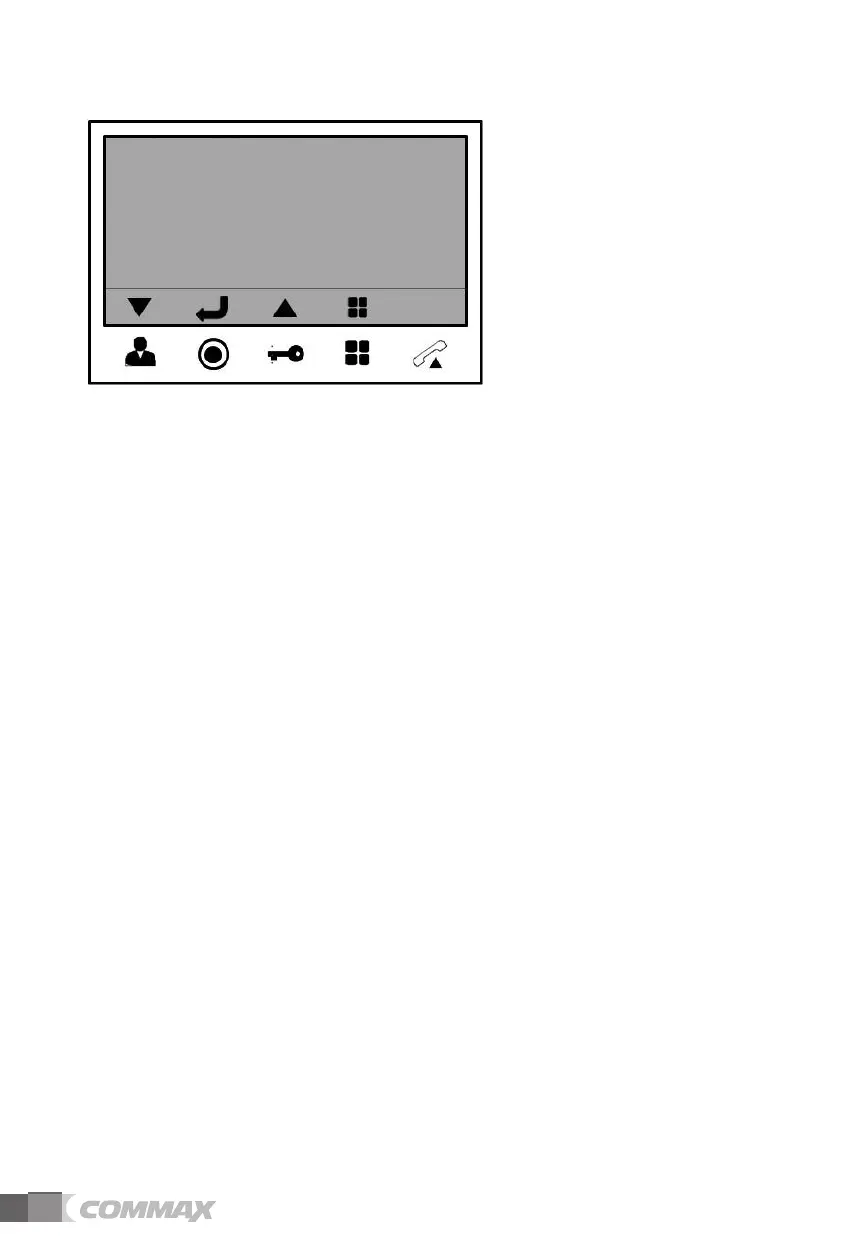
- OSD will be changed as below when select any menu.
DOOR VIDEO SET (Control the display)
1) BRIGHTNESS : select 0~20, defaults 10
2) CONTRAST : select 0~20, defaults 10
3) COLOR : select 0~20, defaults 10
- Settings for Brightness / Contrast / Color
(1) Use “Move” key to go to the each section
(2) Press “Select” key to activate the section(Move to the select window)
(3) Use “Move” key to adjust the level from 0 to 20.
(4) After adjustment, press “Select” key to go back to menu.
4) RESET : Reset Brightness / Contrast / Color.
Press “Select” key and select YES. And then press “Select” key again to reset.
5) EXIT : Press “Select” key to go back to setting menu.
UTILITY(Set the volume and screen ratio)
1) CHIME-BELL VOLUME : Adjust the chime-bell volume when it receives the paging.
- Adjust from 0(MUTE) to 3(MAX).
2) SPEAKER VOLUME : Adjust the speaker volume while calling.
- Adjust from 1(MIN) to 3(MAX).
3)
SCREEN MODE: Setting image’s ratio on the screen.
※ Setting
- ZOOM : 4: 3 ratio’s image is enlarged to fill the screen. (defaults value)
- 4:3 : the actual ratio of the image from camera.
- WIDE : 16:9 ratio’s image is enlarged to fill the screen.
4) EXIT : Press “Select” key to go back to setting menu.
7-1
7-2


 To Next Page