9
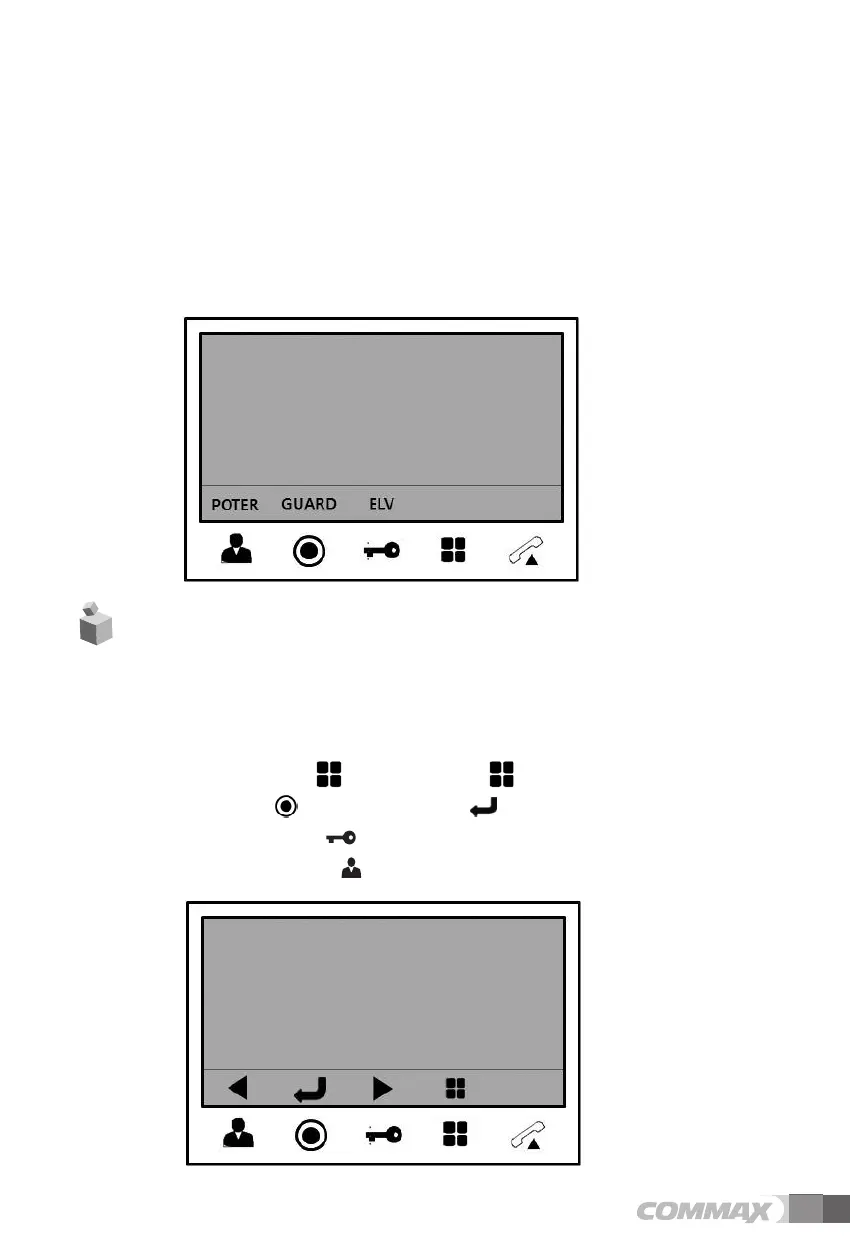
4) Page the elevator
- If the elevator is connected with monitor, you can use this function.
- In the standby mode, if you press the “Guard & Interphone” button, the additional menu will
be displayed at the lower-right corner of screen.
- For paging elevator, press the door release button while the menu is displayed.
- When you page the elevator, “EVL CALL” message will be displayed at the top of screen.
- After paging the elevator, the screen will be back to the standby mode.
- If you don’t page the elevator, press the 'Talk' button.
- Press “Menu” button in video call or monitoring mode then Setting OSD will be
shown on screen.
7. Settings
- After Menu screen appears, you can change setting with below 4 buttons
Menu start and finish :[ ] (Menu button -‘[ ] ’)
select and input : [ ] ( Interphone button-‘[ ] ’)
Move upward /move right : [ ] (Door release button –‘▲’ / ‘▶’)
Move downward /move left : [
] ( Monitoring button–‘▼’ / ‘
◀’ )


 To Next Page