8
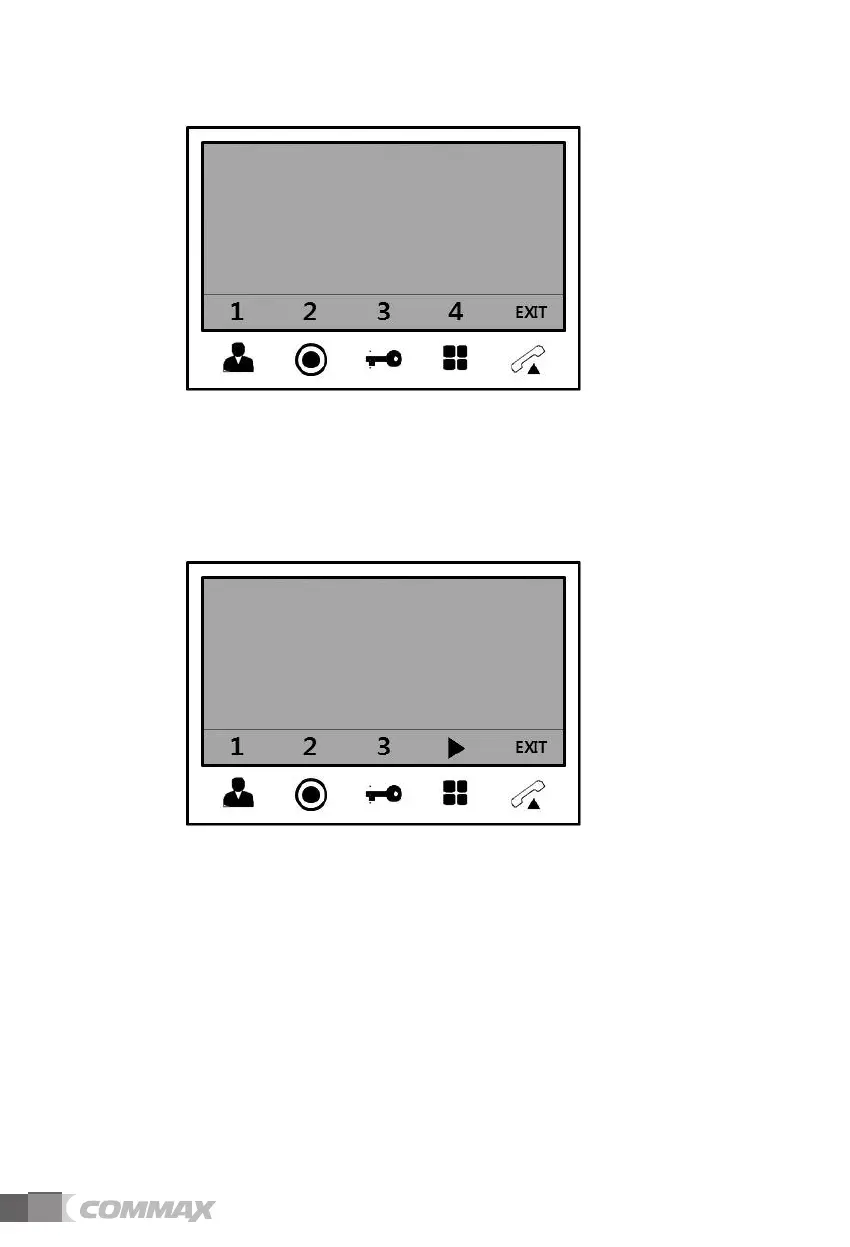
(1) When 1 unit of CMD-104VU is installed,
: Ports number 1 to 4 will be shown on screen and press each port number that will be
displayed on the screen.
: Port number that is displayed on the screen depends on the setting of DIP S/W of
CMD-
104VU.
(If port number 1-2 is connected, only no. 1 and 2 will be displayed)
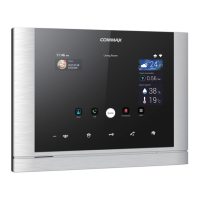
(2) When 2 units of CMD-104VU are installed
: The ▷ mark will be shown with port number and you can move on the next page. (Up to 8
ports, No. 1-8)
: According to ID setting of CMD-104VU, ID 1 of CMD-104VU will be connected with port
No. 1 ~ 4, ID 2 of CMD-104VU will be connected with port No.5 ~ 8.
NOTE
1. You can check the other CCTV screen pressing other numbers while you are monitoring.
(If you press the same button that you have already monitored, monitoring will be finished
and convert to standby mode.)
2. You can select up to 8 CCTV, and available quantities are automatically recognized and
displayed on screen.


 To Next Page