5
1) Communicate with visitor
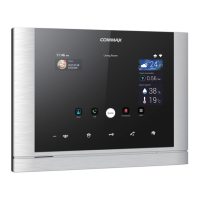
(1) Communicate in Monitor
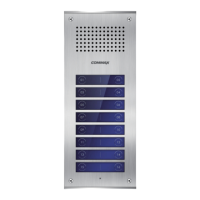
① As the paging button on a door camera is pressed, the paging tone rings at the
connected videophone and the visitor’s figure appears on the monitor.
②
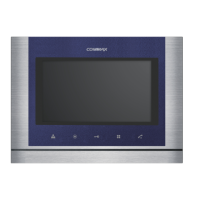
Press 'Talk' button to talk to the visitor and “Door release” button to open the door.
(The door release function is enabled only when the screen is turned on and the
individual door camera has door release terminal)
③ If another visitor calls from another entrance during a call, the first call is
automatically ended and the connection to another entrance is made.
④
Press the 'Talk' button to finish the communication and convert to the standby
mode.
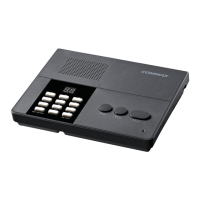
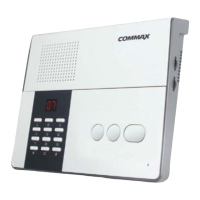
(2) Communicate with additional interphone
① As the paging button on a door camera is pressed, the paging tone rings at the
interphone and videophone at the same time.
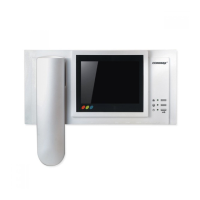
② Pick up the hand-set to start talking with a visitor, and to release the door for
pressing Door release button.
(The door release function is enabled only when the screen is turned on and the
individual door camera has door release terminal).
2) Communication between the monitor and interphone
(1) Monitor ➔ Interphone
① Press the “Guard and interphone” button in the monitor, the paging tone rings at the
interphone.
② Pick up the handset to start communicating with interphone.
③
Press 'Talk' button to finish the communication and convert to standby mode.
(2) Interphone ➔ Monitor
①
Pick up the hand-set and press the 'Call' button, the paging tone rings at
②
Press 'Talk' button on the monitor to start communicating.
③ Hang off the hand-set to finish the communication and convert to standby mode.
Functions for single & MODUM system
Use for single system
6
. Operation
6-1-1
6-1
the monitor.
3) Monitoring
① Press the “Monitoring button” in standby mode, you can check the image in order.
- Camera 1 → Camera 2 → OFF → Camera 1 → repeat
②
Press 'Talk' button during monitoring to call to the entrance.


 To Next Page