8
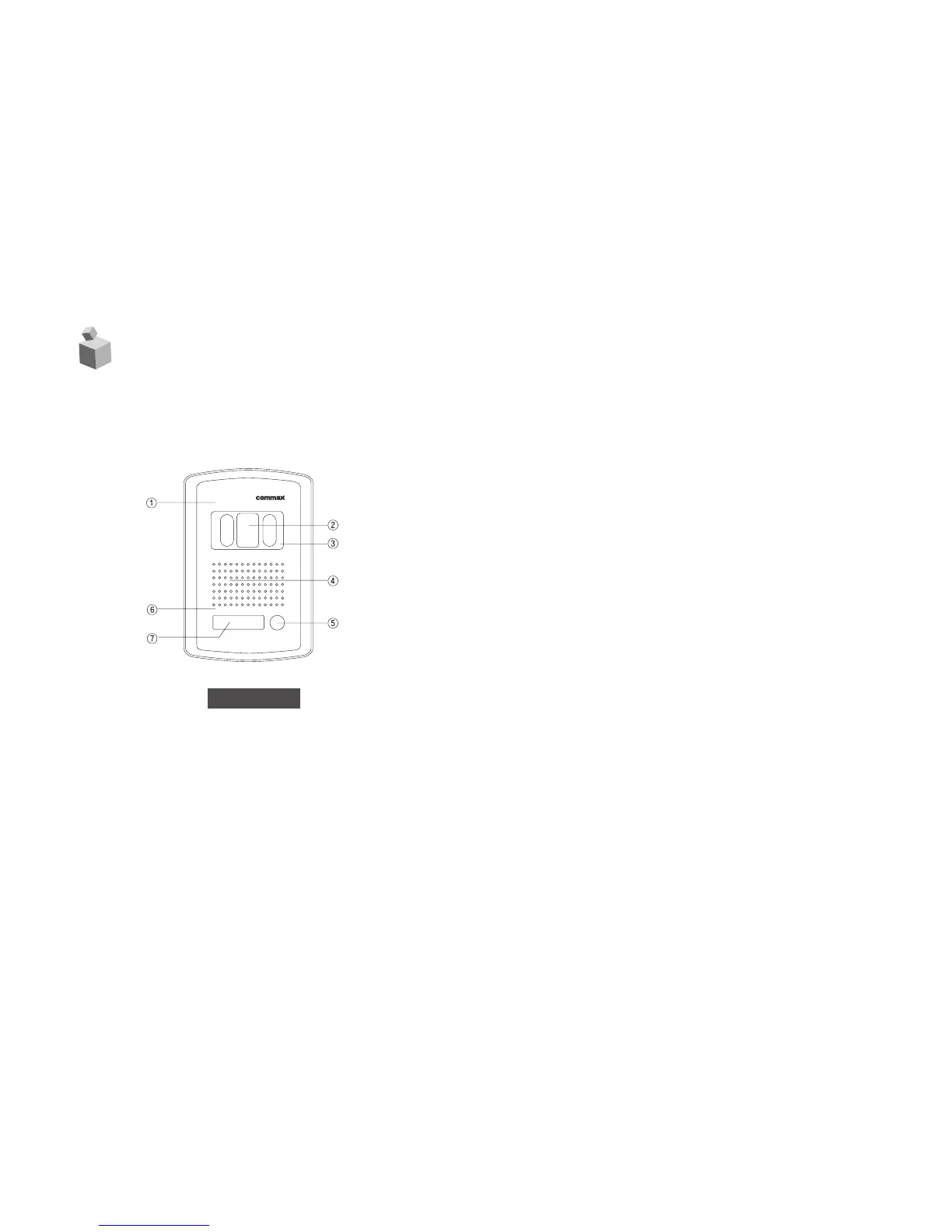
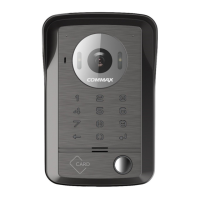
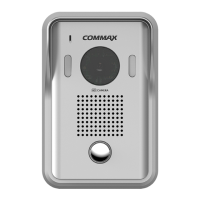
5. Location and Control of Functions
❶ Microphone
When Turn on the [CALL] button on the panel, and con-
versation with residents.
❷ C.C.D. Camera Lens
Built-in Black & White C.C.D. 1/3°± lens (for DRC-4BA)
and Color 1/4°±
C.C.D lens (for DRC-4CA).
❸ Camera Protection Window
Prevent the scratch from the other matters.
❹ Speaker
Aural from the resident.
❺ Calling Button
Turn on the [CALL] button if desired calling.
❻ Front Panel
No surface on corrosion material.
❼ Name Card(Model : DRC-4BAN, DRC-4CAN)
Indicated in resident address.
Front View



 To Next Page