EasyManua.ls Logo

Commodore 16 - CHAPTER 2: The Keyboard

Commodore 16
84 pages
Print Icon
To Next Page IconTo Next Page
To Previous Page IconTo Previous Page
Loading...
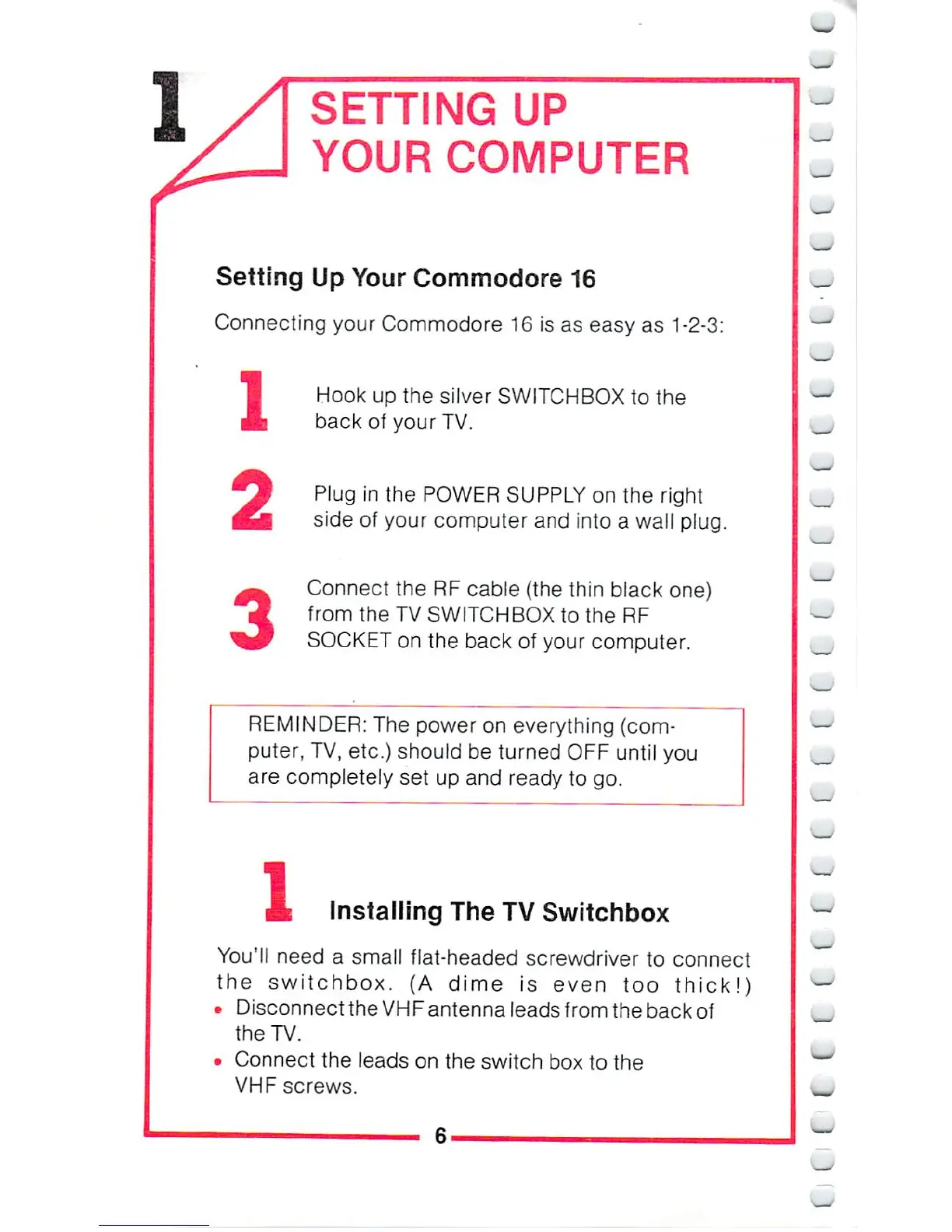
SETTING
UP
YOUR
COMPUTER
Setting
Up
Your
Commodore
16
Connecting
your
Commodore
16
is
as
easy
as
1-2-3:
1
2
3
Hook
up
the
silver
SWITCHBOX
to
the
back
of
your
TV.
Plug
in
the
POWER
SUPPLY
on
the
right
side
of
your
computer
and
into
a
wall
plug.
Connect
the
RF
cable
(the
thin
black
one)
from
the
TV
SWITCHBOX
to
the
RF
SOCKET
on
the
back
of
your
computer.
REMINDER:
The power
on
everything
(com
puter,
TV,
etc.)
should
be
turned
OFF
until
you
are
completely
set
up
and
ready
to
go.
1
Installing
The
TV
Switchbox
You'll
need
a
small
flat-headed
screwdriver
to
connect
the
switchbox.
(A
dime
is
even
too
thick!)
Disconnect
the
VHF
antenna
leads
from
the
back
of
the TV.
Connect
the
leads
on
the
switch
box
to
the
VHF
screws.

Other manuals for Commodore 16

Related product manuals