EasyManua.ls Logo

Commodore 16 - Page 26

Commodore 16
84 pages
Print Icon
To Next Page IconTo Next Page
To Previous Page IconTo Previous Page
Loading...
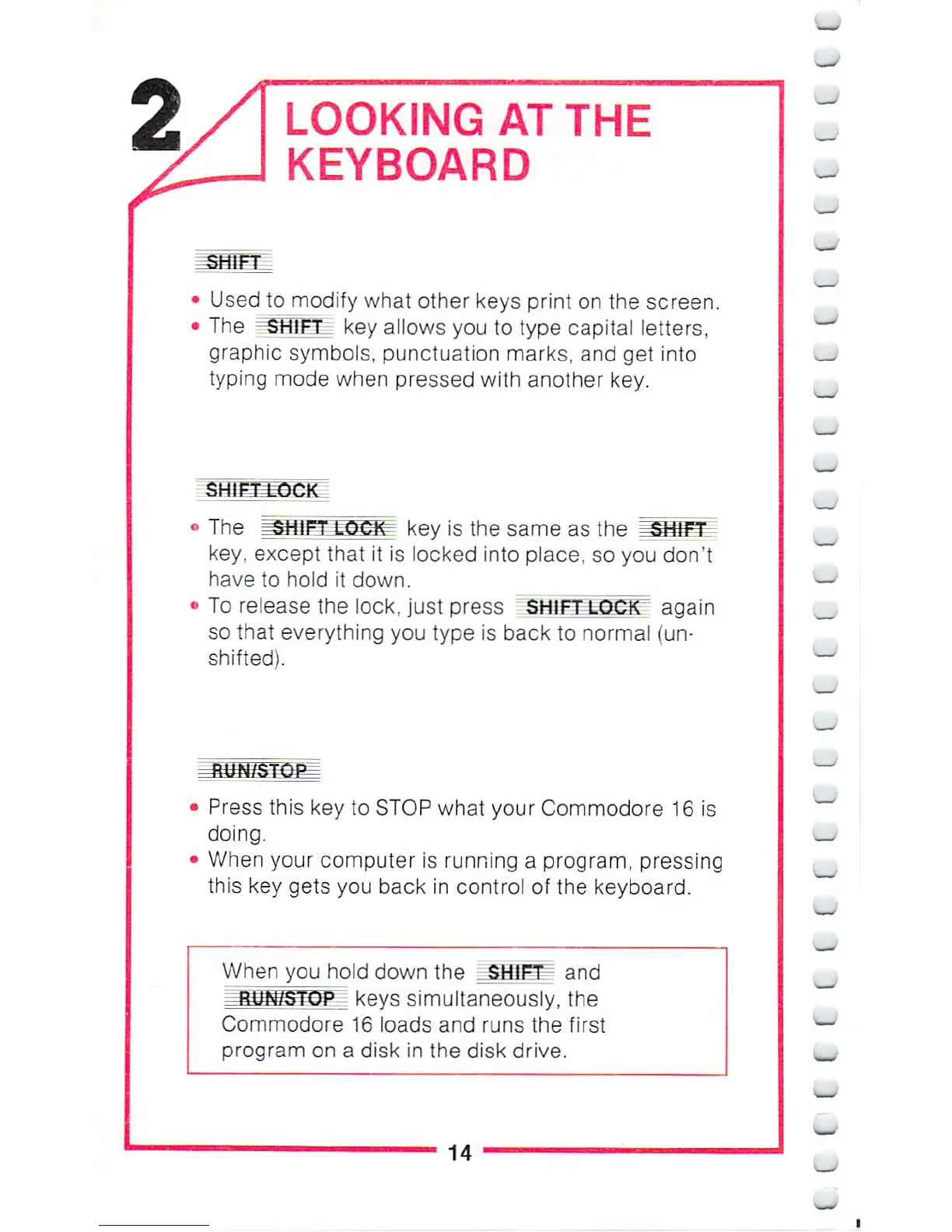
LOOKING
AT
THE
KEYBOARD
Used
to
modify
what
other
keys
print
on
the
screen.
The
=SHIFT
key
allows
you
to
type
capital
letters,
graphic
symbols,
punctuation
marks,
and
get
into
typing
mode
when
pressed
with
another
key.
key
is
the
same
as
the
key,
except
that
it
is
locked
into
place,
so
you
don't
have
to
hold
it
down.
To
release
the
lock,
just
press
SHIFT
LOCK
again
so
that
everything
you
type
is
back
to
normal
{un-
shifted).
Press
this
key
to
STOP
what
your
Commodore
16
is
doing.
When
your
computer
is
running
a
program,
pressing
this
key
gets
you
back
in
control
of
the
keyboard.
When
you
hold
down
the
JSHIFT
and
1_B1IN/STQP_
keys
simultaneously,
the
Commodore
16
loads
and
runs
the
first
program
on
a
disk
in
the
disk
drive.
^
14

Other manuals for Commodore 16

Related product manuals