EasyManua.ls Logo

Commodore 16 - Page 27

Commodore 16
84 pages
Print Icon
To Next Page IconTo Next Page
To Previous Page IconTo Previous Page
Loading...
LOOKING
AT
THE
KEYBOARD
The
Cursor
Keys
The
cursor, the
flashing
block
that
marks
where
you
are
on
the
computer
screen,
can
be
moved
quickly
and
easily
around
the
screen
by
using
the
CURSOR
KEYS.
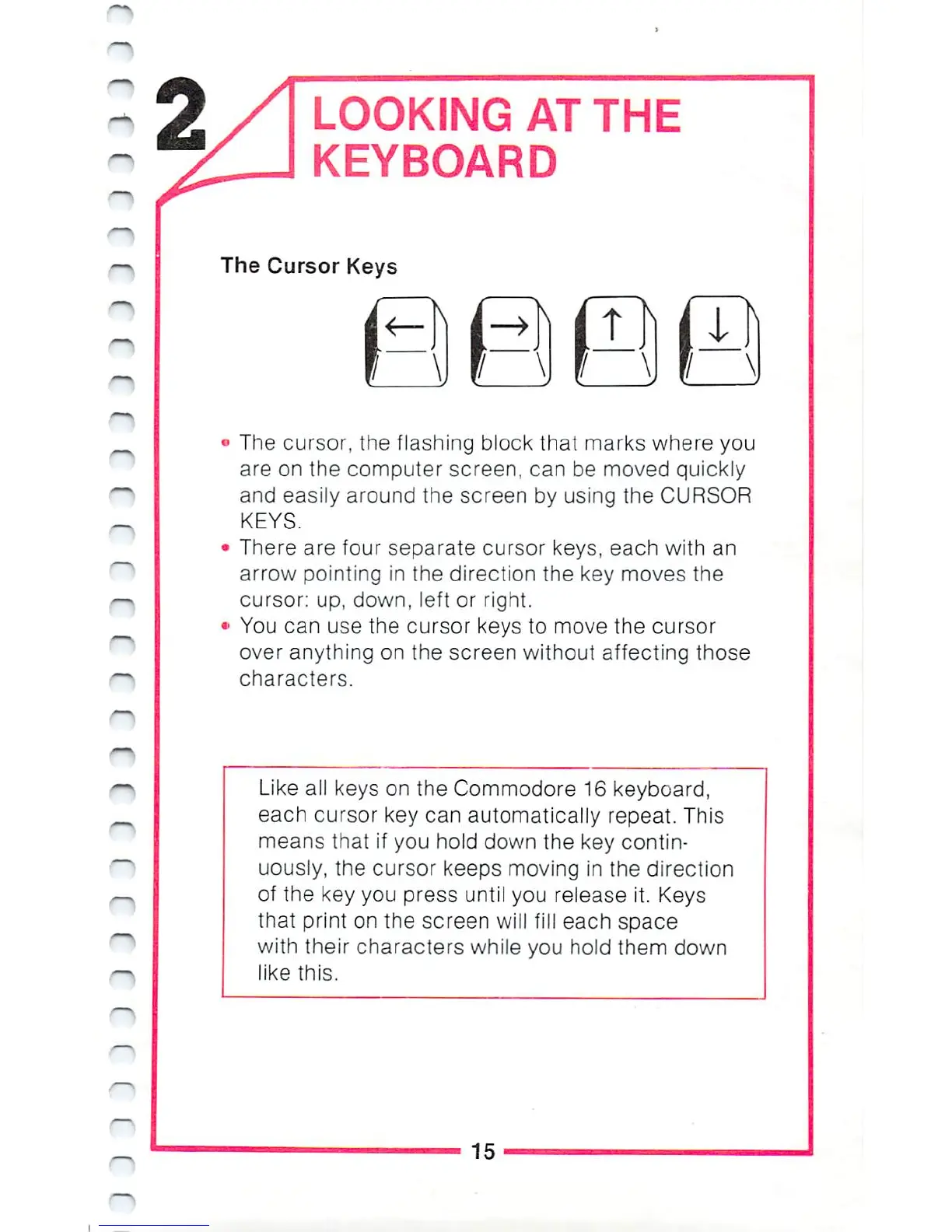
There
are
four
separate
cursor
keys,
each
with
an
arrow
pointing
in
the
direction
the
key
moves
the
cursor:
up,
down,
left
or
right.
You
can
use
the
cursor
keys
to
move
the
cursor
over
anything
on
the
screen
without
affecting
those
characters.
Like
all
keys
on
the
Commodore
16
keyboard,
each
cursor
key
can
automatically
repeat.
This
means
that
if
you
hold
down
the
key
contin
uously,
the
cursor
keeps
moving
in
the
direction
of
the
key
you
press
until
you
release
it.
Keys
that
print
on
the
screen
will
fill
each
space
with
their
characters
while
you
hold
them
down
like
this.
15

Other manuals for Commodore 16

Related product manuals