EasyManua.ls Logo

Commodore 16 - CHAPTER 3: Software

Commodore 16
84 pages
Print Icon
To Next Page IconTo Next Page
To Previous Page IconTo Previous Page
Loading...
-
LOOKING
AT
THE
KEYBOARD
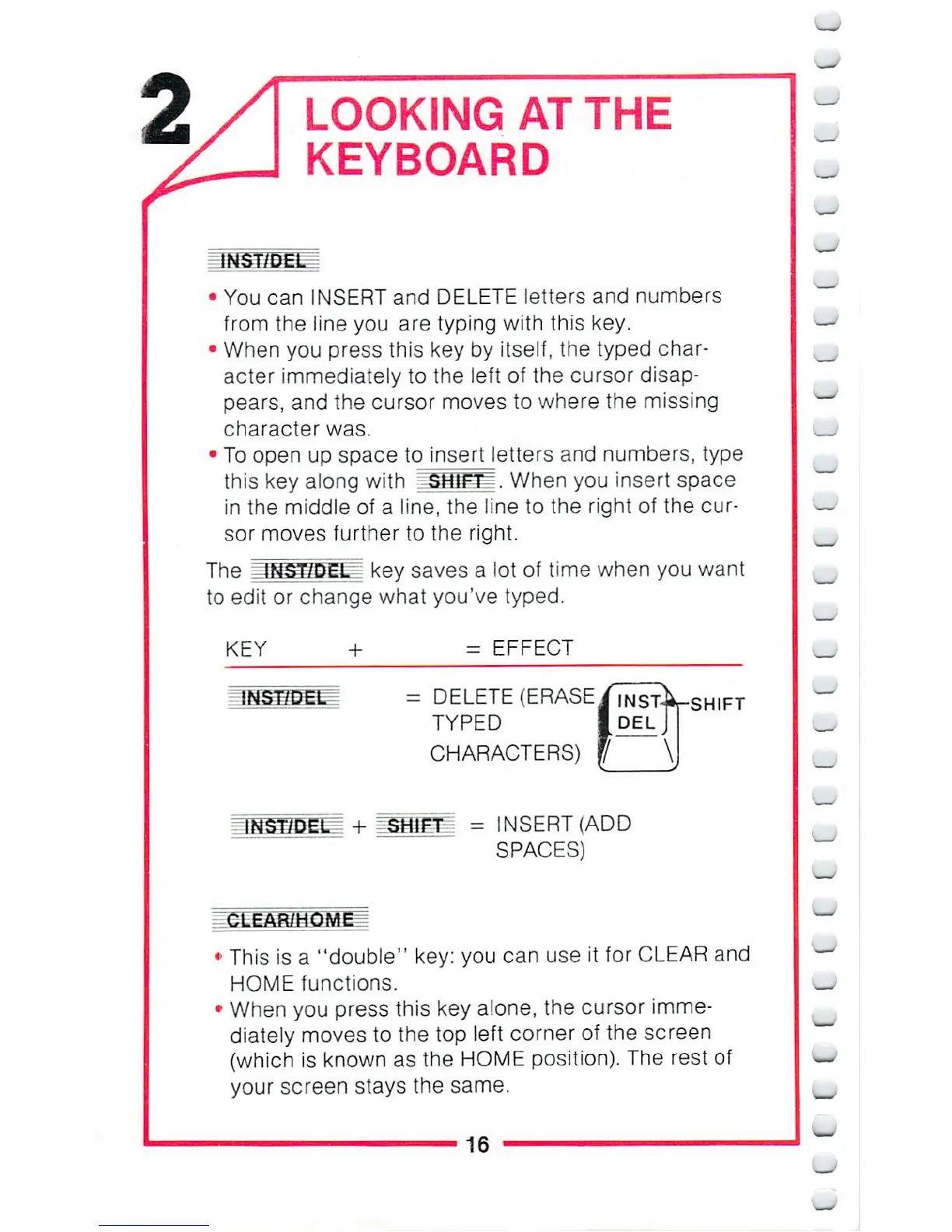
You
can
INSERTand
DELETE
letters
and
numbers
from
the
line
you
are
typing with
this
key.
When
you
press
this
key
by
itself,
the
typed
char
acter
immediately
to
the
left
of
the
cursor disap
pears,
and
the
cursor
moves
to
where
the
missing
character
was.
To
open
up
space
to
insert
letters
and
numbers,
type
this
key
along
with
>SHifT^.
When
you
insert
space
in
the
middle
of
a
line,
the
line
to
the
right
of
the
cur
sor
moves
further
to
the
right.
The
INST/DEL
key
saves
a
lot
of
time
when
you
want
to
edit
or
change
what
you've
typed.
KEY
- EFFECT
/DEL
=
DELETE
(ERASE
TYPED
CHARACTERS)
|
SHIFT
=
INSERT
(ADD
SPACES)
CLEAR/HOME^
This
is
a
"double"
key:
you
can
use
it
for
CLEAR
and
HOME
functions.
When
you
press
this
key
alone, the
cursor
imme
diately
moves
to
the top
left
corner
of
the
screen
(which
is
known
as
the
HOME
position).
The
rest of
your
screen
stays
the
same.
16
_

Other manuals for Commodore 16

Related product manuals