EasyManua.ls Logo

Commodore 16 - Software Types and Loading

Commodore 16
84 pages
Print Icon
To Next Page IconTo Next Page
To Previous Page IconTo Previous Page
Loading...
LOOKING
AT
THE
KEYBOARD
?
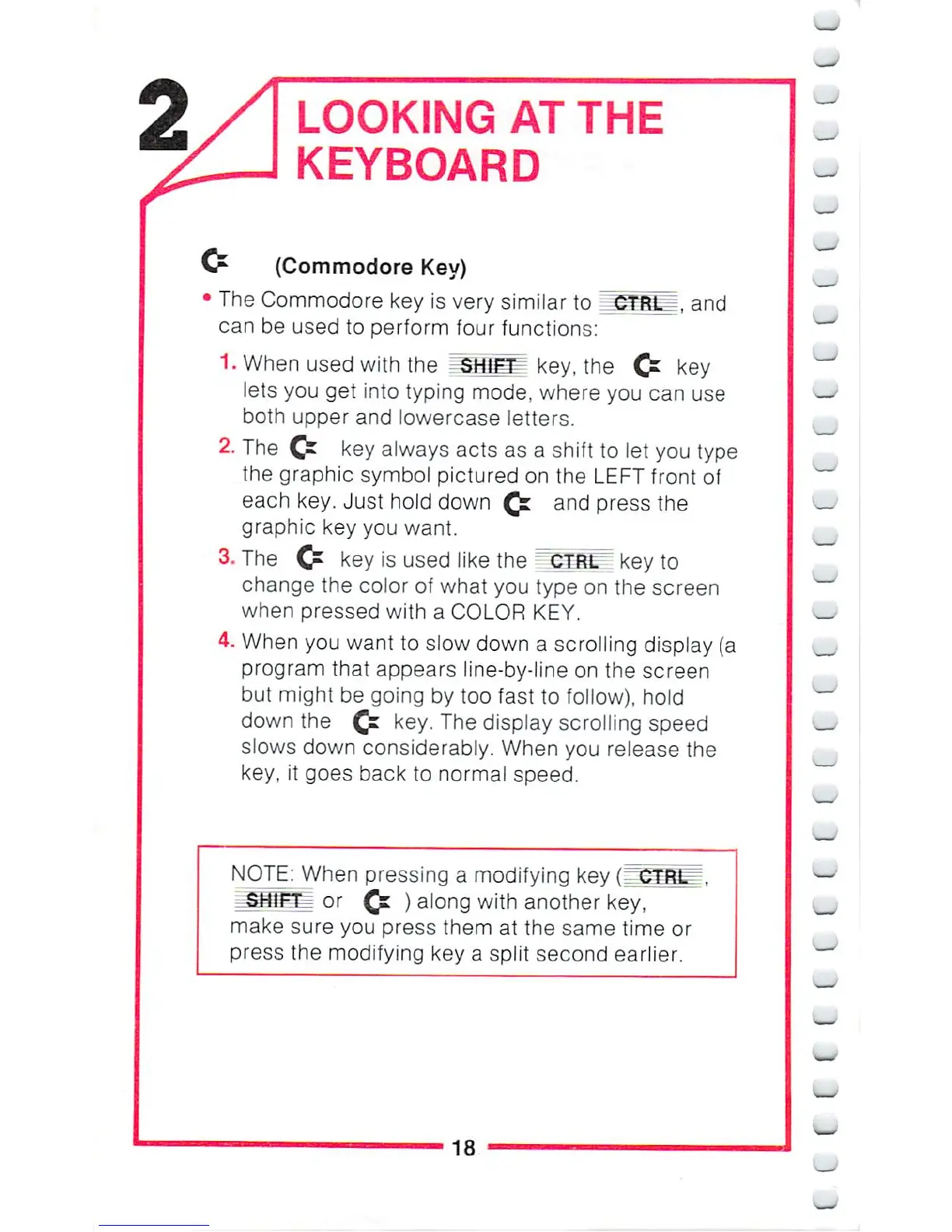
(Commodore
Key)
The
Commodore
key
is
very
similar
to
^FRlJ,
and
can
be
used
to
perform
four
functions:
1.
When
used
with
the
SKl^
key,
the
Cr
key
lets
you
get
into
typing
mode,
where
you
can
use
both
upper
and
lowercase
letters.
The
C^
key
always
acts
as a
shift
to
let
you
type
the
graphic
symbol
pictured
on
the
LEFT
front
of
each
key.
Just
hold
down
^
and
press
the
graphic
key
you
want.
3.
The
Cr
key
is
used
like
the
CTRtT"
key
to
change
the
color
of
what
you
type
on
the
screen
when
pressed
with a
COLOR
KEY.
4.
When
you
want
to
slow
down
a
scrolling
display
(a
program
that
appears
line-by-line
on
the
screen
but
might
be
going
by
too
fast
to
follow),
hold
down
the
£=
key.
The
display
scrolling
speed
slows
down
considerably.
When
you
release
the
key,
it
goes
back
to
normal
speed.
NOTE:
When
pressing
a
modifying
key
(3!
_
SHJFT=-:
or
£=
)
along
with
another
key,
make
sure
you
press
them
at
the
same
time
or
press
the
modifying
key
a
split
second
earlier.
_.
_
_
18
^-^—-^—^——

Other manuals for Commodore 16

Related product manuals