EasyManua.ls Logo

Commodore 16 - Page 31

Commodore 16
84 pages
Print Icon
To Next Page IconTo Next Page
To Previous Page IconTo Previous Page
Loading...
LOOKING
AT
THE
KEYBOARD
_QM
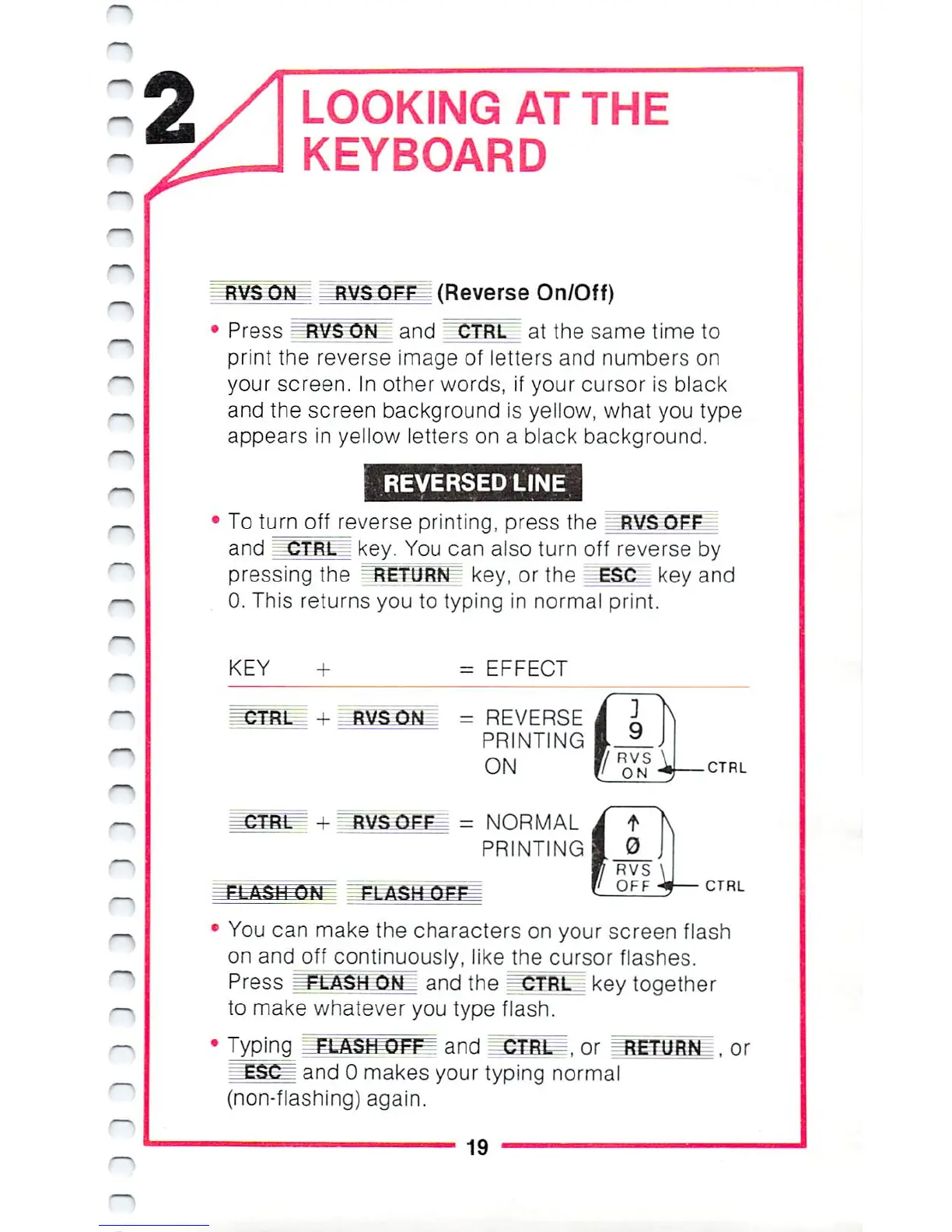
(Reverse
On/Off)
Press
RVSON
and
CTRL"
at
the
same
time
to
print
the
reverse
image
of
letters
and
numbers
on
your
screen.
In
other
words,
if
your
cursor
is
black
and
the
screen
background
is
yellow,
what
you
type
appears
in
yellow
letters
on
a
black
background.
REVERSED
LINE
To
turn
off
reverse
printing,
press
the
RVS
OFF
and
CTB1T
key.
You
can
also
turn
oft
reverse
by
pressing
the
RETURN
key, or
the
IESC_
key
and
0.
This returns
you
to
typing
in
normal
print.
KEY
=
EFFECT
CTRL
+
RVS
ON
=
REVERSE
PRINTING
ON
=
NORMAL
PRINTING
CTRL
CTRL
You
can
make
the
characters
on
your
screen
flash
on
and
off
continuously,
like
the
cursor
flashes.
Press
^^SELOM=
and
the
CTRL
key
together
to
make
whatever
you
type
flash.
Typing
=F=LAt|^PFEE
and
CTRL-,
or
ESGP
and
0
makes
your
typing
normal
(non-flashing)
again.
19

Other manuals for Commodore 16

Related product manuals