EasyManua.ls Logo

Commodore 16 - Page 32

Commodore 16
84 pages
Print Icon
To Next Page IconTo Next Page
To Previous Page IconTo Previous Page
Loading...
LOOKING
AT
THE
KEYBOARD
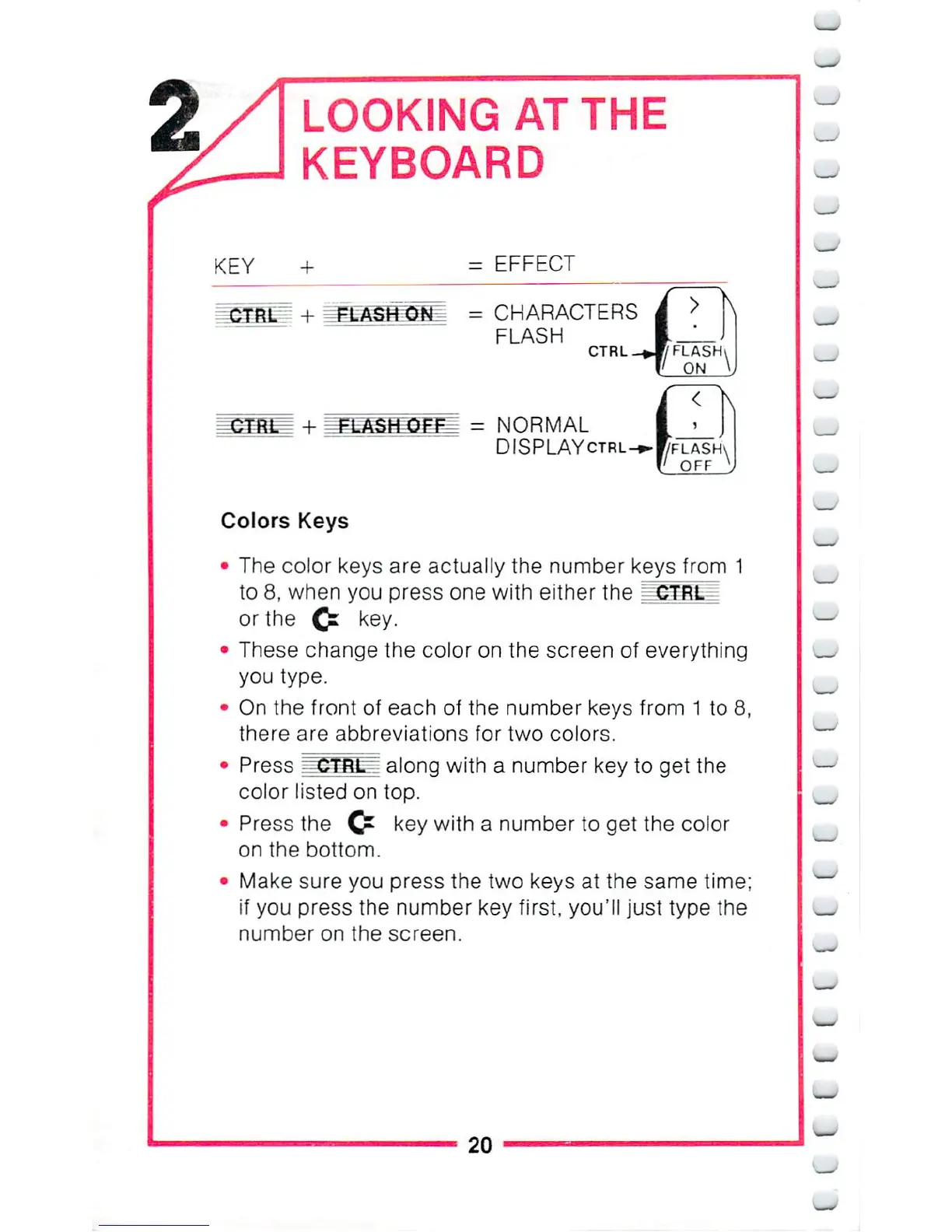
KEY
=
EFFECT
.
;,
■■■■■■
=
CHARACTERS
FLASH
CTRL
_J/
FLASH,
"'
ON
=
NORMAL
DISPLAYctrl
Colors
Keys
The
color
keys
are
actualiy
the
number
keys
from
1
to
8,
when
you
press
one
with
either
the
_
CTRL_
or
the
Q:
key.
These
change
the
color
on
the
screen
of
everything
you
type.
On
the
front
of
each
of
the
number
keys
from
1
to
8,
there
are
abbreviations
for
two
colors.
Press
~~CTfit=
along
with
a
number
key
to
get
the
color
listed
on
top.
Press
the
Cr
key
with
a
number
to
get the
color
on
the
bottom.
Make
sure
you
press
the
two
keys
at
the
same
time;
if
you
press
the
number
key
first,
you'll
just
type
the
number
on
the
screen.
20

Other manuals for Commodore 16

Related product manuals