EasyManua.ls Logo

Commodore 16 - Page 34

Commodore 16
84 pages
Print Icon
To Next Page IconTo Next Page
To Previous Page IconTo Previous Page
Loading...
LOOKING
AT
THE
KEYBOARD
Graphic
Keys
Each
letter
key
(and
a
few
other
symbol
keys)
on
your
Commodore
16
has two
boxes
on
the
front,
each
with
a
different
graphic
symbol.
There
are
more
than
60
graphic
symbols
you can
use.
Type
and
a
key
to
print
the
symbol
on
the
right.
This
set
of
symbols
contains
card
suits,
circles,
lines
and
arcs.
Type
Cr
and
a
key
to
print
the
symbol
on
the
left.
The
left
side
graphics
are
ideal
for
creating
charts,
graphs,
and
business
forms.
u
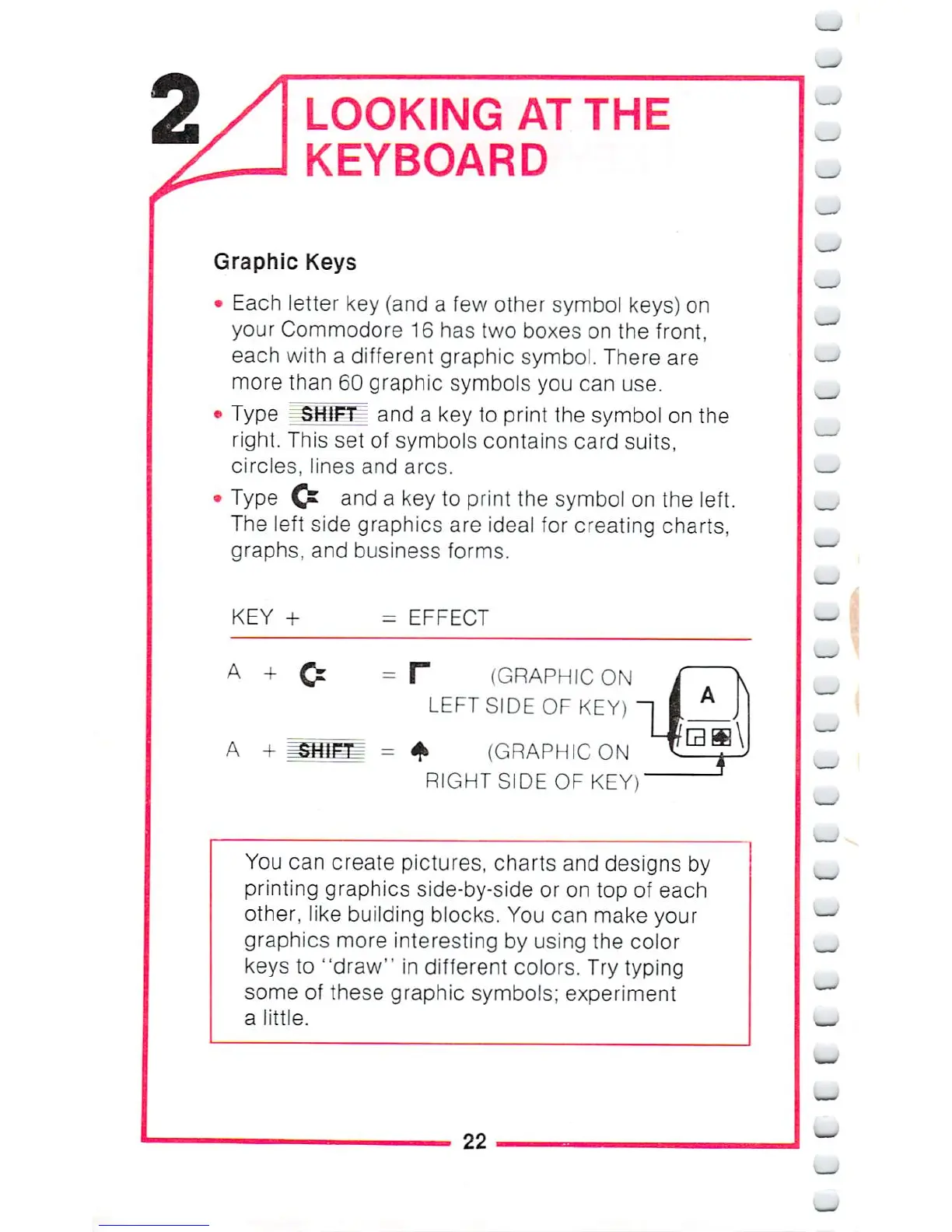
KEY +
=
EFFECT
A +
A
+
F
(GRAPHIC
ON
LEFT
SIDE
OF
KEY)
4*
(GRAPHIC
ON
RIGHT
SIDE
OF
KEY)
You
can
create
pictures,
charts
and
designs
by
printing
graphics
side-by-side or
on
top
of
each
other,
like
building
blocks.
You
can
make
your
graphics
more
interesting
by
using
the
color
keys
to
"draw"
in
different
colors.
Try
typing
some
of
these graphic
symbols;
experiment
a
little.
_-
22
_

Other manuals for Commodore 16

Related product manuals