EasyManua.ls Logo

Commodore 16 - Page 35

Commodore 16
84 pages
Print Icon
To Next Page IconTo Next Page
To Previous Page IconTo Previous Page
Loading...
LOOKING
AT
THE
KEYBOARD
When
you're
in
typing
mode,
you
can
use
only
the
graphic
symbols
on
the
left
front
of
the
keys
{by
pressing
Cr
and
the
appropriate
key).
Function
Keys
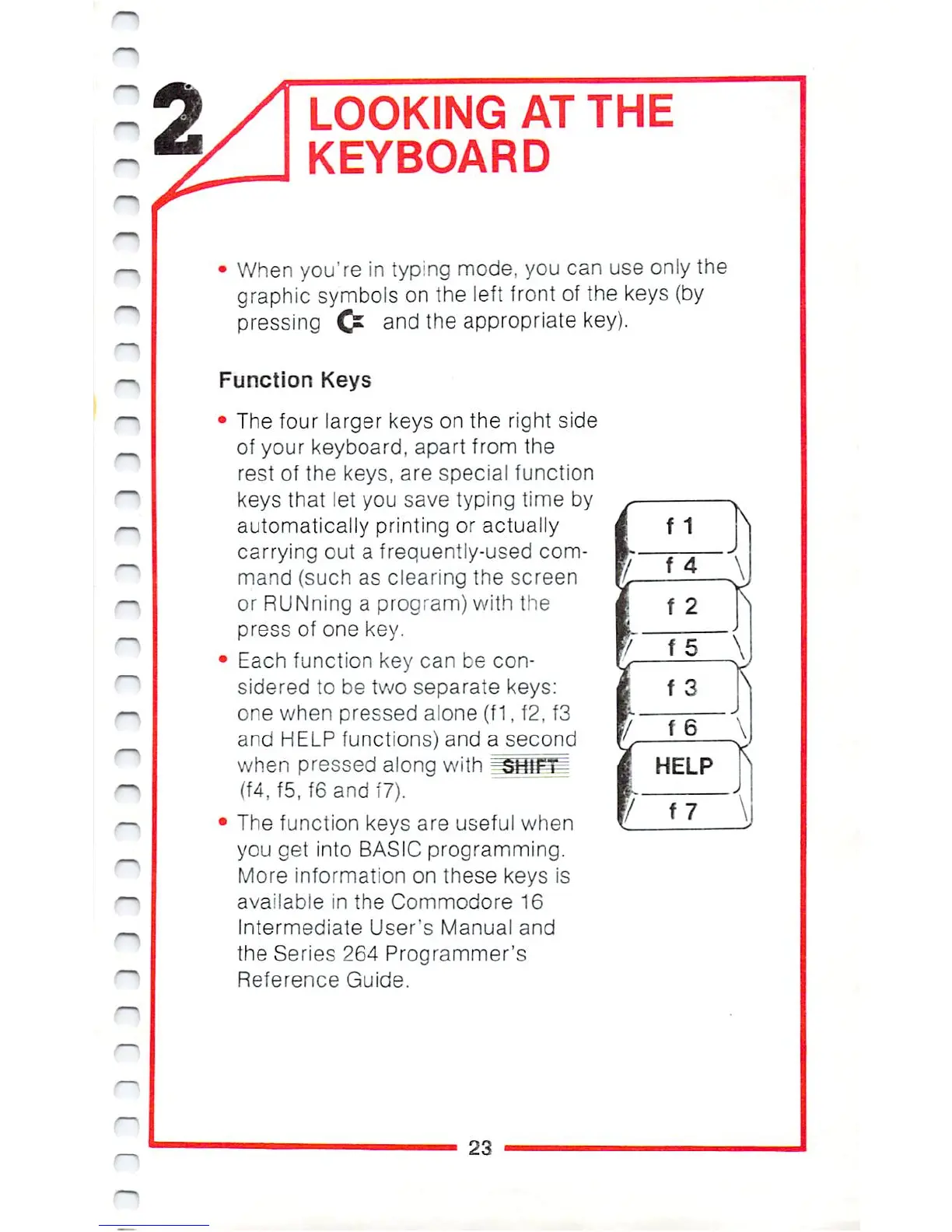
The
four
larger
keys on
the
right
side
of
your
keyboard,
apart
from
the
rest
of
the
keys,
are
special
function
keys
that
let
you save
typing
time by
automatically
printing
or
actually
carrying
out
a
frequently-used
com
mand
(such as
clearing
the
screen
or
RUNning
a
program)
with
the
press
of
one
key.
Each
function
key
can
be
con
sidered
to
be
two
separate
keys:
one
when
pressed
aione
(f
1,
f2,
f3
and
HELP
functions)
and
a
second
when
pressed
along
with
^SjflFii
(f4,
f5,
f6
and
f7).
The
function
keys
are
useful
when
you
get
into
BASIC
programming.
More
information
on
these
keys
is
available
in
the
Commodore
16
Intermediate
User's
Manual and
the
Series
264
Programmer's
Reference
Guide.
23

Other manuals for Commodore 16

Related product manuals