EasyManua.ls Logo

Commodore 16 - Page 43

Commodore 16
84 pages
Print Icon
To Next Page IconTo Next Page
To Previous Page IconTo Previous Page
Loading...
USING
SOFTWARE
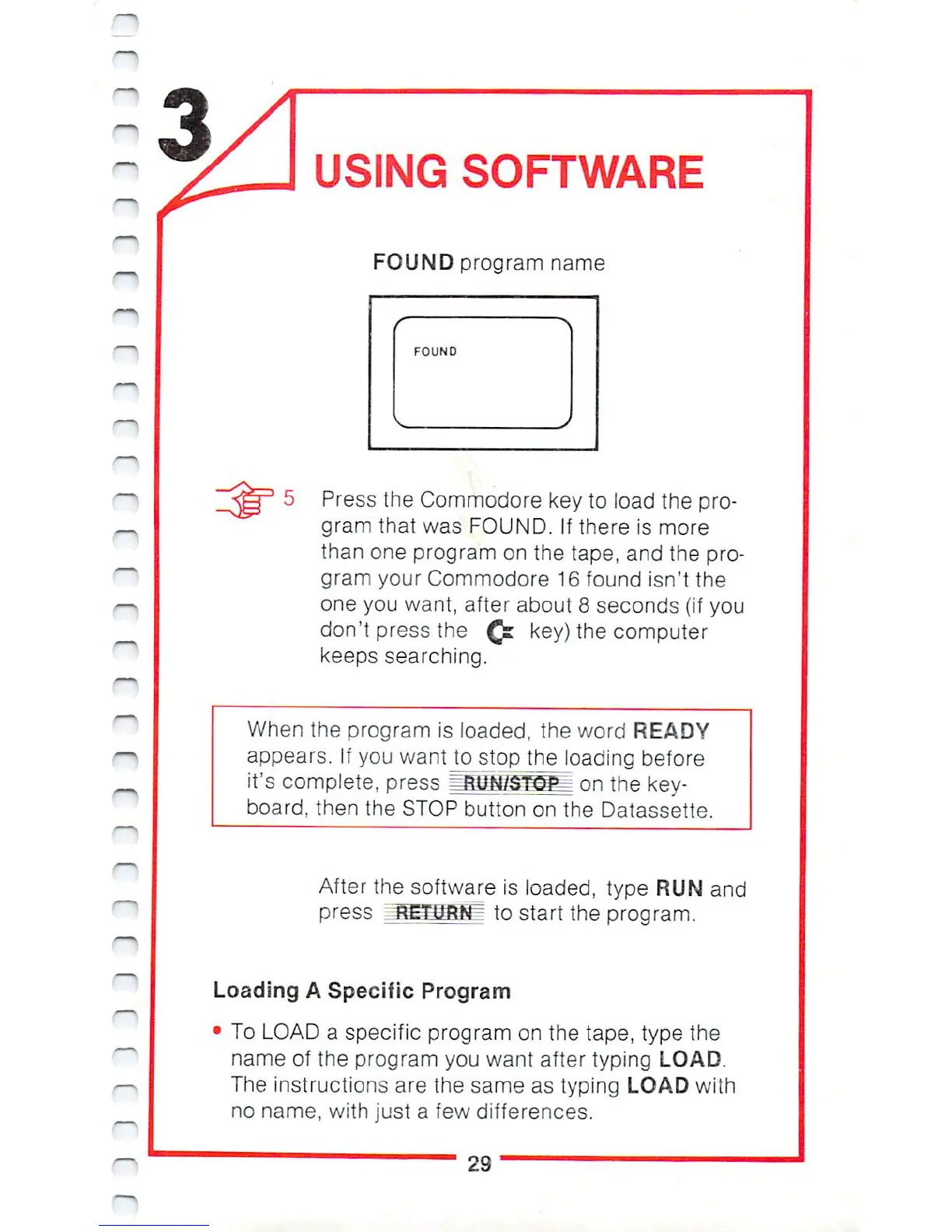
FOUND
program
name
f'
■>
FOUND
Press
the
Commodore
key
to
load
the
pro
gram
that
was
FOUND.
If
there
is
more
than
one
program
on
the
tape,
and
the
pro
gram
your
Commodore
16
found
isn't
the
one
you
want,
after
about
8
seconds
(if
you
don't
press
the
Qi
key)
the
computer
keeps
searching.
When
the
program
is
loaded,
the
word
READY
appears.
If
you
wantjo
stop
Vne_loading
before
it's
complete,
press
i
.
on
the
key
board,
then
the
STOP
button
on
the
Datassette.
After
the
software
is
loaded,
type
RUN
and
press
ISETJiBN^
to
start
the
program.
Loading
A
Specific
Program
To
LOAD
a
specific
program
on
the
tape,
type
the
name
of
the
program
you
want
after
typing
LOAD.
The
instructions
are
the
same
as
typing
LOAD
with
no
name,
with
just
a
few
differences.
29

Other manuals for Commodore 16

Related product manuals