EasyManua.ls Logo

Commodore 16 - Page 46

Commodore 16
84 pages
Print Icon
To Next Page IconTo Next Page
To Previous Page IconTo Previous Page
Loading...
USING
SOFTWARE
_i
Diskettes
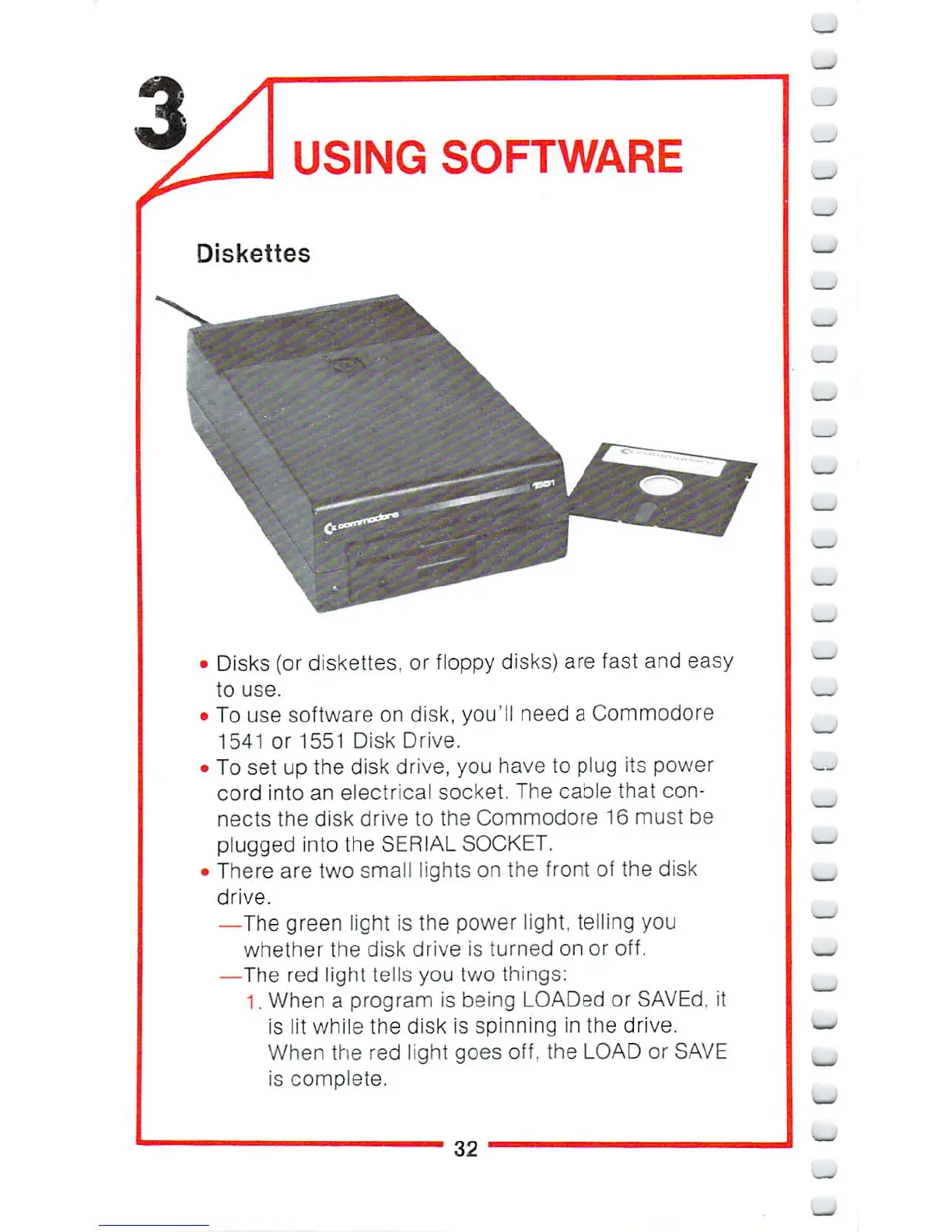
Disks
(or
diskettes,
or
floppy
disks)
are
fast
and
easy
to
use.
To
use
software
on
disk,
you'll
need
a
Commodore
1541
or
1551
Disk
Drive.
To
set
up
the
disk
drive,
you
have
to
plug
its
power
cord
into
an
electrical
socket.
The
cable
that
con
nects
the
disk
drive
to
the
Commodore
16
must
be
plugged
into
the
SERIAL
SOCKET.
There
are
two
small
lights
on
the
front
of
the
disk
drive.
—The
green
light
is
the
power
light,
telling
you
whether
the
disk
drive
is
turned
on
or
off.
—The
red
light
tells
you
two
things:
1,
When
a
program
is
being
LOADed
or
SAVEd,
it
is
lit
while
the
disk
is
spinning
in
the
drive.
When
the red
light
goes
off,
the
LOAD
or
SAVE
is
complete.
32

Other manuals for Commodore 16

Related product manuals