EasyManua.ls Logo

Commodore 16 - Page 69

Commodore 16
84 pages
Print Icon
To Next Page IconTo Next Page
To Previous Page IconTo Previous Page
Loading...
SOUND
AND
MUSIC
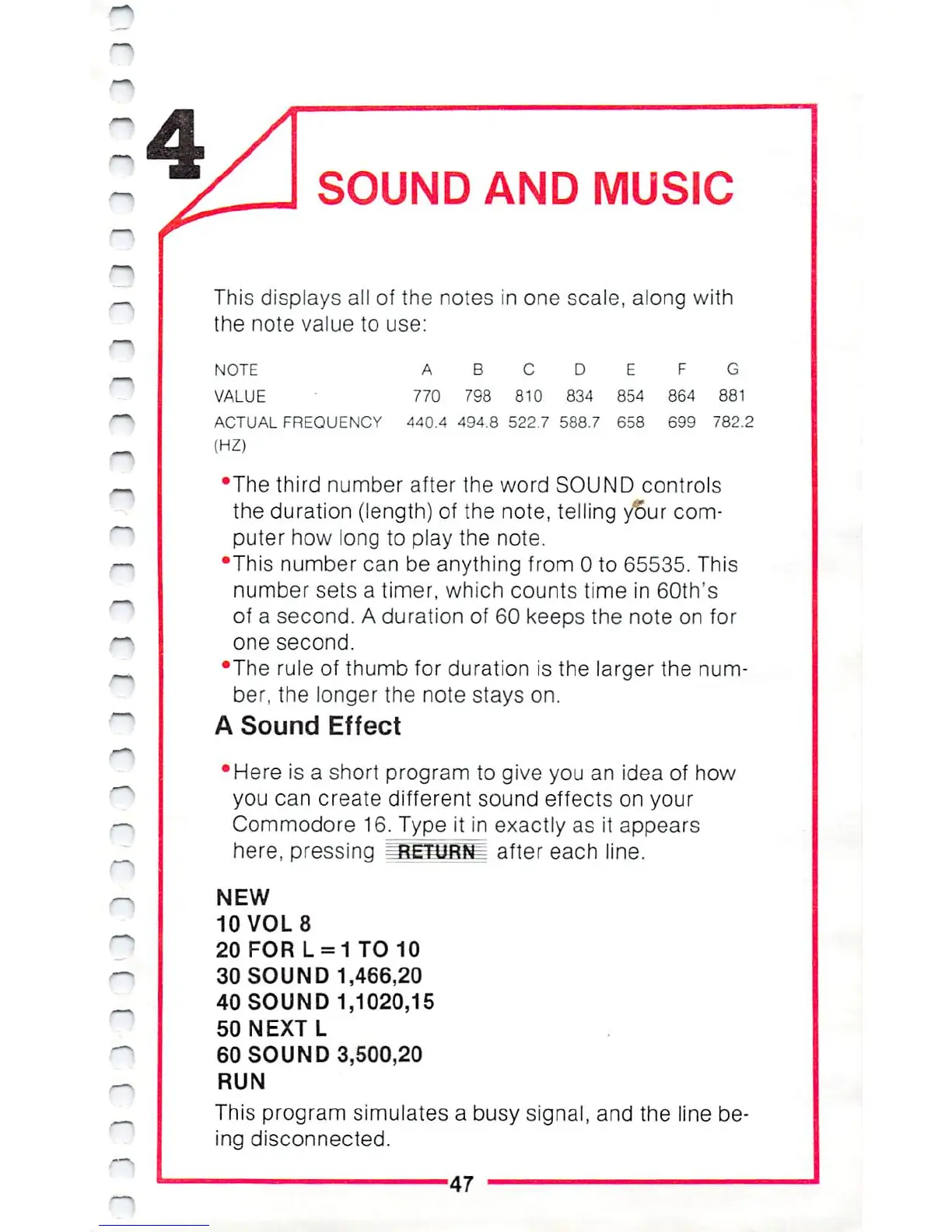
This displays
all
of
the
notes
in
one
scale,
along
with
the
note
value
to
use:
NOTE A
B
C
D
E F
G
VALUE
770
7S8
810
834 854 864
881
ACTUAL
FREQUENCY
440.4 494.8 522.7 588.7
658 699
782.2
(HZ)
•The
third
number
after
the
word
SOUND
controls
the
duration
(length)
of
the
note,
telling
your
com
puter
how
long
to
play
the
note.
•This
number
can be
anything
from
0
to
65535.
This
number
sets
a
timer,
which
counts
time
in
60th's
of
a
second.
A
duration
of
60
keeps
the
note
on
for
one
second.
•The
rule
of
thumb
for
duration
is
the
larger
the
num
ber,
the
longer
the
note
stays
on.
A
Sound
Effect
Here
is
a
short
program
to
give
you
an
idea
of
how
you
can
create
different
sound
effects
on
your
Commodore
16.
Type
it
in
exactly
as
it
appears
here,
pressing
=J*ETURN
after
each
line.
NEW
10
VOL
8
20FORL
=
1
TO
10
30
SOUND
1,466,20
40
SOUND
1,1020,15
50
NEXT
L
60
SOUND
3,500,20
RUN
This
program
simulates a
busy
signal,
and
the
line
be
ing
disconnected.
47

Other manuals for Commodore 16

Related product manuals