1
r r
UNPACKING
YOUR COMMODORE
16
Now
ihat you've opened lie
box containing your
new Commodore
1
6
and found
this manual, the hrsl ihing
lhat
you
should
do is check to
make sure that
you have all the Items
on this
list.
You should have
(
1
Your
Commodore
1
6
2
The
power
supply
3
The
TV cable
A.
The user manual
(You've probably tound this,
since
you're reading
il rlgnt now.)
5. Olher assorted literature:
Warranty
card
It
you don't find ail these
items
in
the box. check
with your dealer
immediately for
replacements.
Betore
you connect anything,
you should overtook
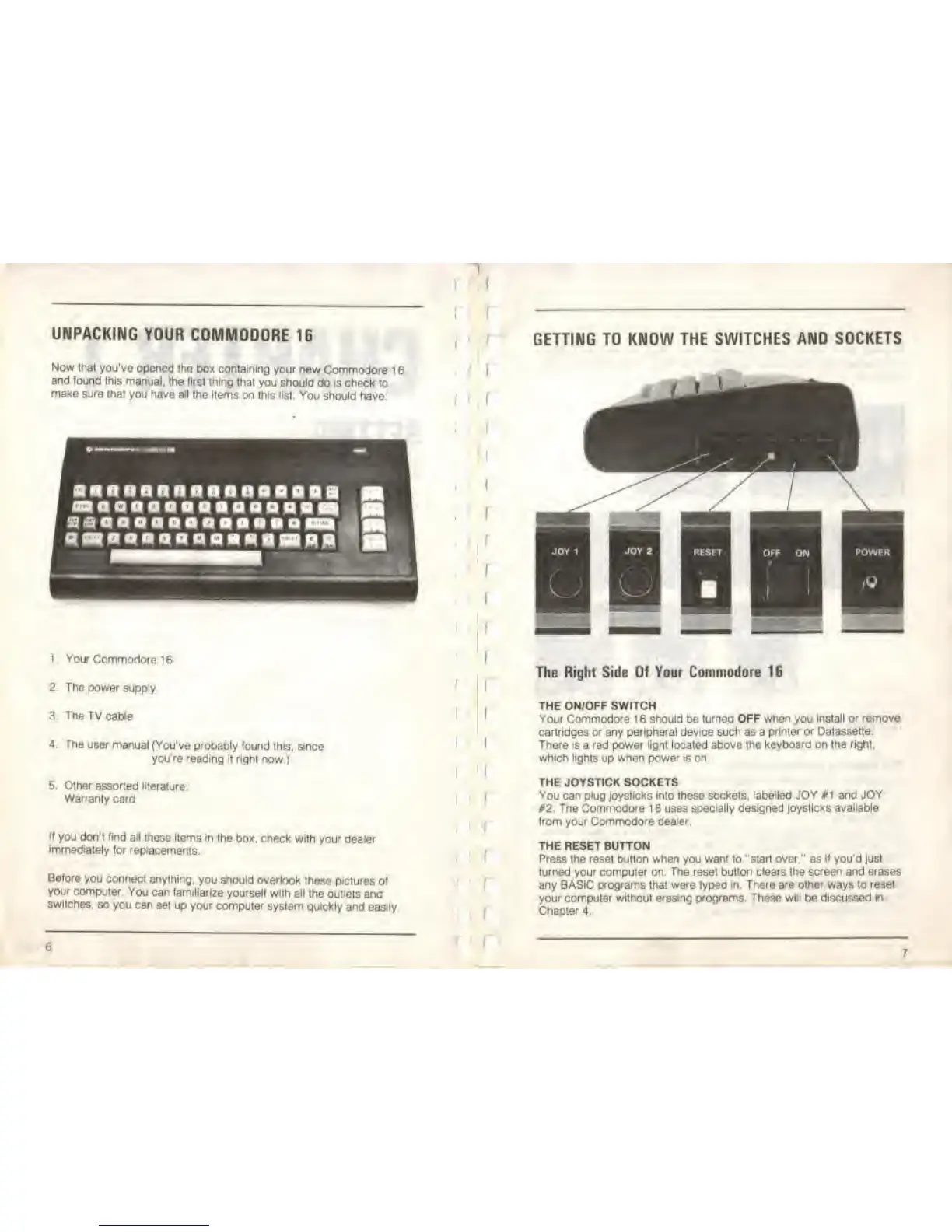
these pictures of
your
computer.
You can familiarize yourself with
all trie outlets
ana
switches,
so you
can set up your computer system
quickly and easily
I
GETTING TO KNOW THE
SWITCHES AND SOCKETS
The Right Side Of Your Commodore 16
THE ON/OFF SWITCH
Your Commodore 1 6 should be turned OFF when you
install or remove
cartridges
or
any
peripheral device
such as a
printer or Datassette.
There is
a red power
light
located
above the
keyboard
on
the right,
which
lights
up
when
power
is
on.
THE JOYSTICK SOCKETS
You can plug joysticks Into these sockets, labelled JOY *1 and JOY
02. The Commooore 1 6 uses specially
designed
joysticks
available
Irom your
Commodore dealer.
THE RESET
BUTTON
Press the reset button when you want lo '*start over." as
if
you'd just
turned your computer on The reset button clears the screen and erases
any BASIC programs
that
were
typed
m. There are other ways lo reset
your computer without erasing programs. These
will
be discussed
in
Chapter
4.
6
I



 To Next Page